How to access downloads
How to download from BinUnlock
New users often press “Like” in the wrong place. Please read this carefully: the reaction must be added on the resource page in the Overview tab (under the resource description). Reactions in Discussion or Updates only like a post and do not unlock the download flow.
Open the Overview tab
Go to the resource page and select Overview. This example resource is shown below, but the steps are the same for all resources.

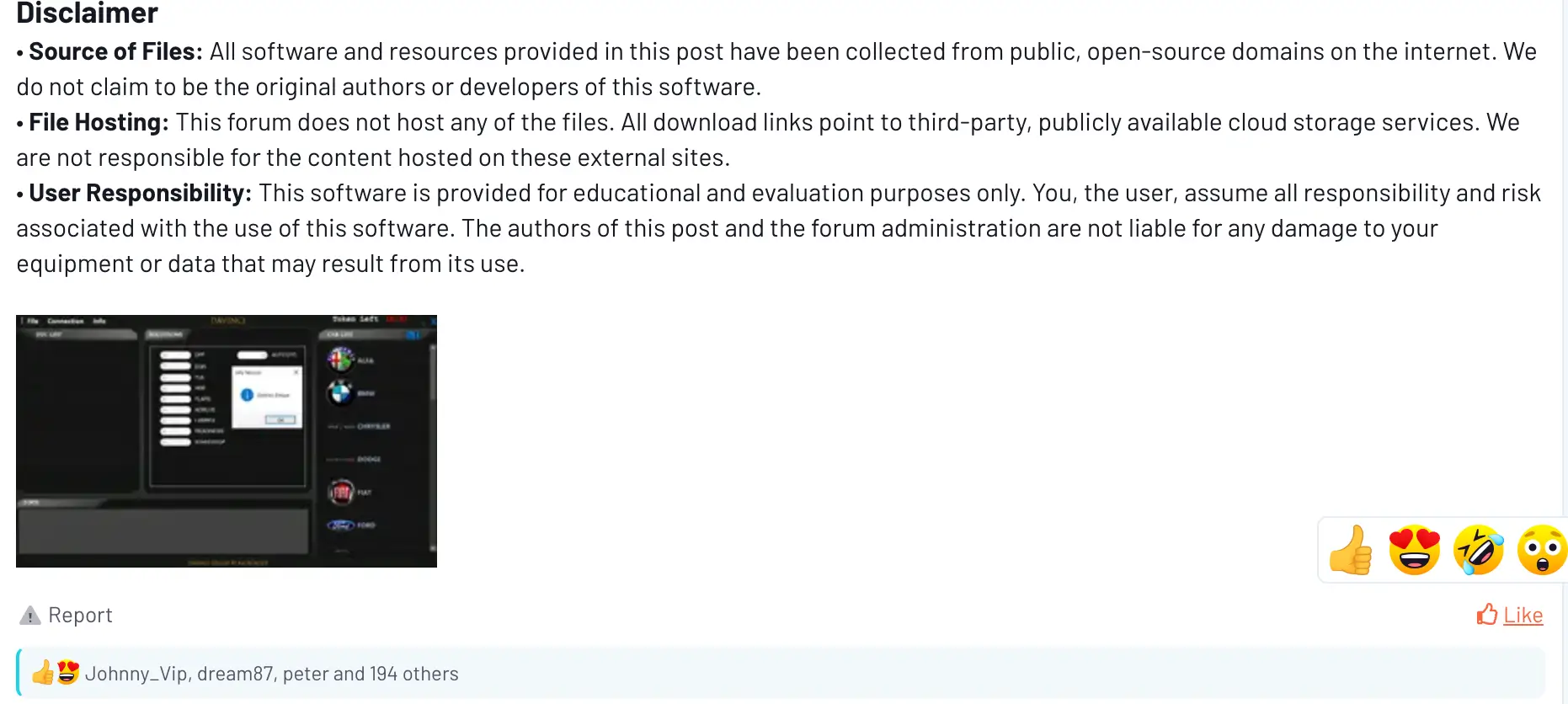
Scroll to the bottom and add a reaction
Scroll to the very bottom of the Overview description and add any reaction (emoji). Then, at the top of the resource page, click Go to download.
- Overview → scroll all the way down.
- React under the description (any emoji is fine).
- Click Go to download at the top.
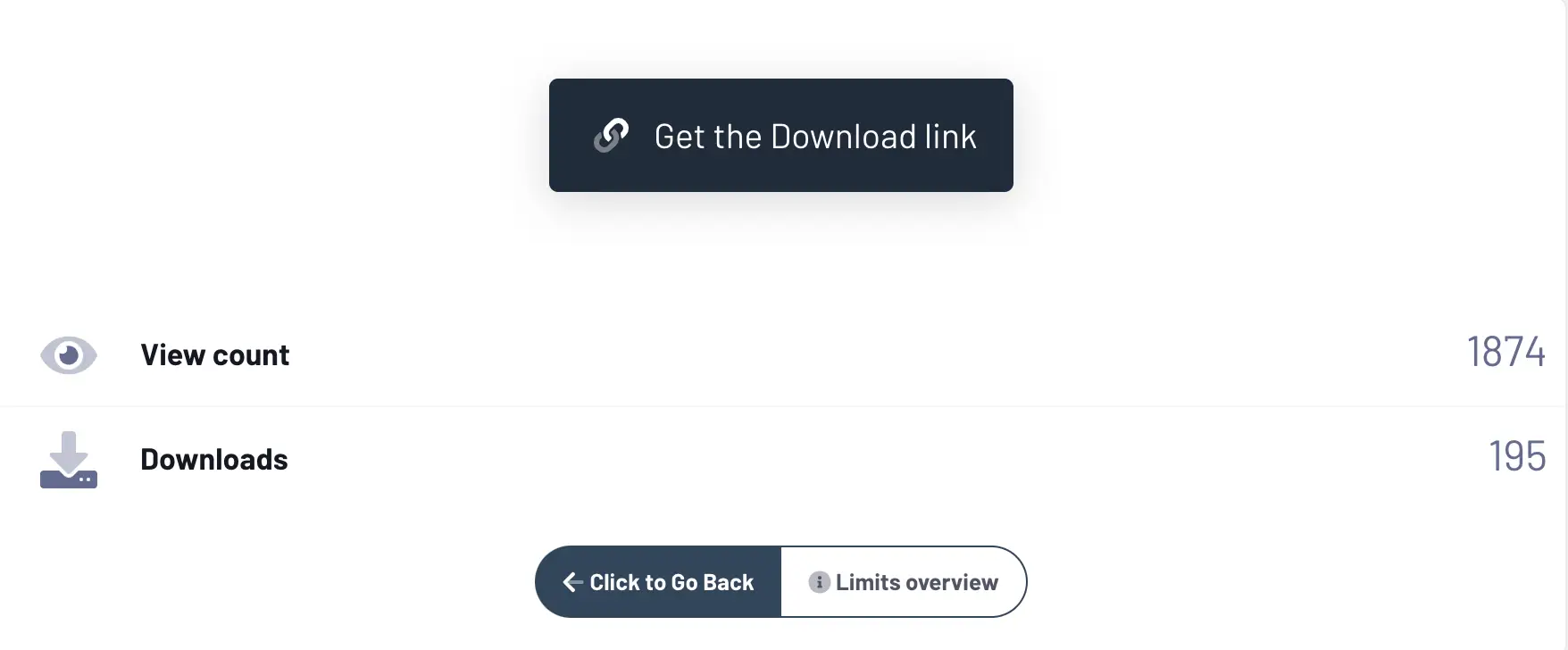
Click “Get the Download link”
On the download page, press the button Get the Download link.
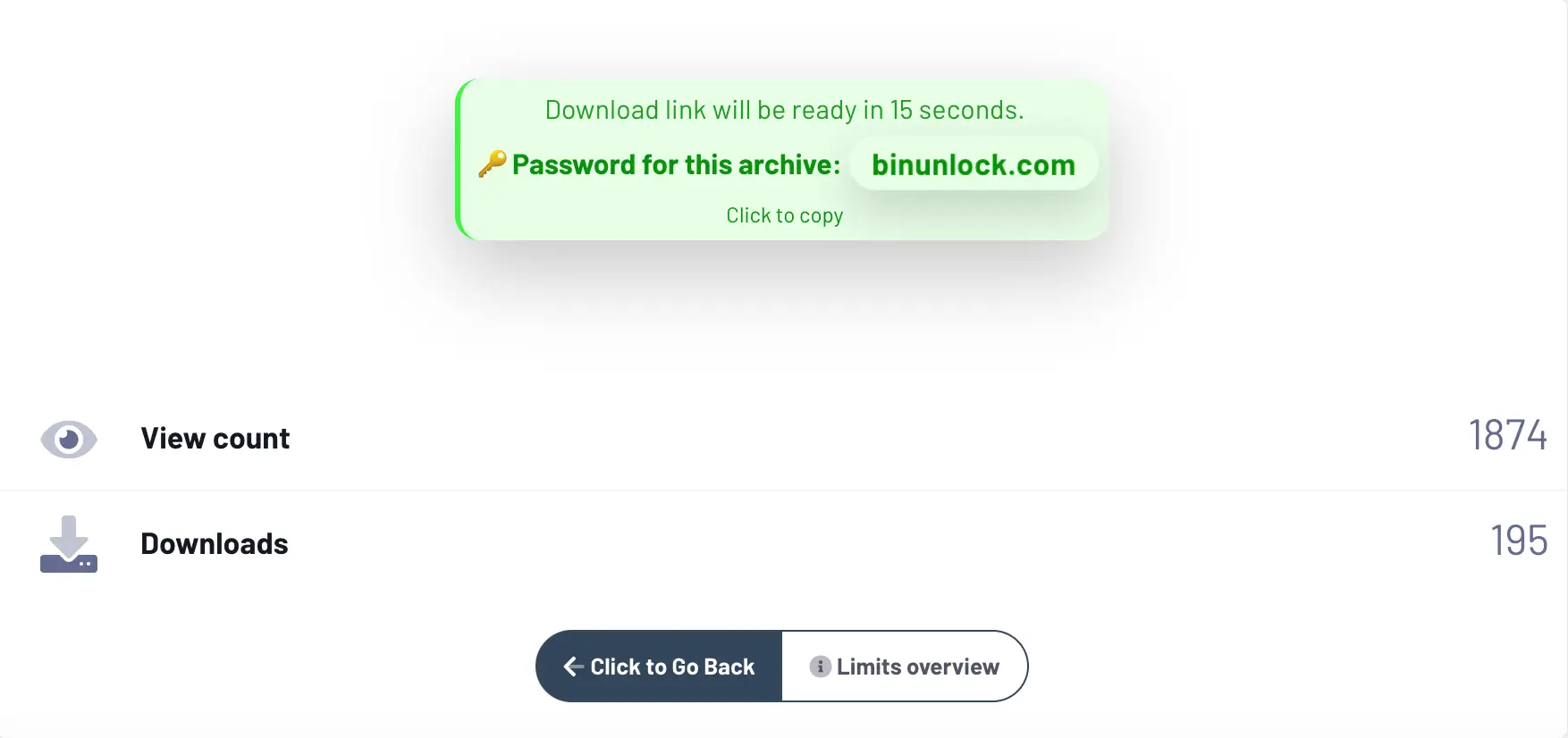
Wait for the link and copy the password
Wait until the system prepares the download link. The archive password will be generated and can be copied with one click.
Troubleshooting
- I reacted, but nothing changed: make sure you reacted on Overview under the description, then refresh the page (F5).
- I reacted in Discussion/Updates: that does not count. Go back to Overview and react there.
- I can’t see reactions: you must be logged in to use reactions.