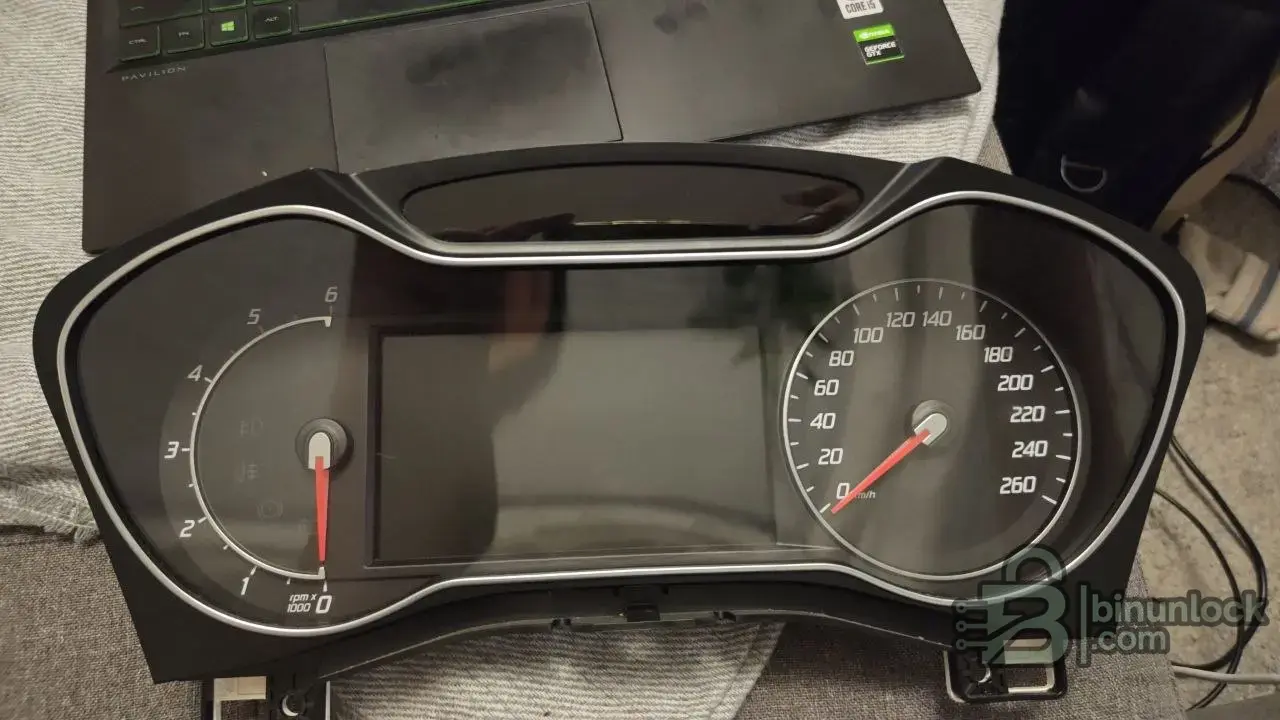
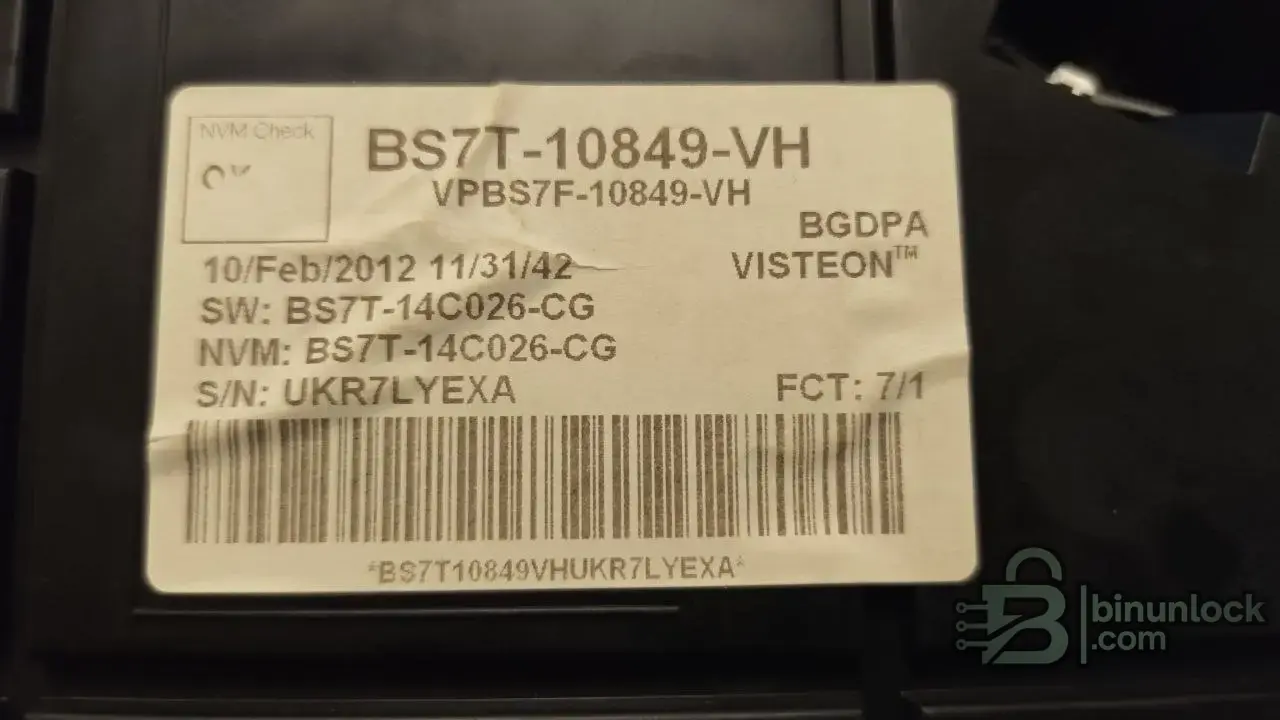
FORD MONDEO 2012 dashboard BS7T 24C16

Post #1

bimo37

Bolt-On Member
Sweden
Joined
18.07.2026
Messages
27
Reaction score
1
Location
Sweden
Hi !!!
I need help to correct my instrument cluster it now showing 999999 km. I did that by myself with xtool d8s i thought that it will roll to zero i have the iprog + put i couldn't read through OBD i read it though eeprom but i cant calculate the KM to make it what it should be please can any one help me to make it 309400 KM or less that value or has the same eeprom file that i can write on my cluster, if some has UPA-USB he can fix it easy with it.
EEPROM file is uploaded.
Thanks
6034859763545345722.webp
6034859763545345723.webp
 

Attachments

Ratings and Reviews
Total ratings: 0

Post #41

Carpro does it through Visteon
 

Attachments

  • 85aeb98c-ed1f-4a01-a604-3594881f4e37.webp
    85aeb98c-ed1f-4a01-a604-3594881f4e37.webp
    214.3 KB · Views: 21

Post #42

That screenshot actually settles it, pitin — and it changes the recommendation.

CarProg v8.21 "Mondeo Visteon 24C16" is not an OBD routine. Read the on-screen note:

Remove unit from the car. Open it and find internal 24C16 EEPROM memory inside. Use CARPROG A4, A5 or A6 EEPROM adapter and change mileage. In most cases need to remove EEPROM from the board.

So this is a bench EEPROM function using the A4/A5/A6 clip/adapter — same physical path as the iProg write bimo37 already did. The key difference is the Write Km button: you type the km into the ODOMETER field and CarProg builds the corrected 24C16 image itself, including whatever companion/checksum field the raw hand-edit left stale. That's exactly the piece that was missing — the tool recalculates it, not us.

So the corrected procedure for bimo37, all on the bench:

  • Read the 24C16 with CarProg on the Read/Write → Read Km page first (backup).
  • Type 309400 in the ODOMETER box, Km selected, then Write Km — let CarProg write the chip through this Mondeo Visteon profile, not a raw dump write.
  • Power-cycle several times and confirm the ERROR is gone.

The important warning: this profile is labeled Mondeo 24C16 Visteon 2007–2013, which covers his car by year — but it does not guarantee it matches the exact BS7T-14C026-CG revision. If Write Km completes but the cluster still shows ERROR, that's the point where the profile doesn't fully cover this sub-revision and a UPA/Orange5/CarProTool BS7T profile is the fallback.

Two things, pitin: did you actually run Write Km with this profile on a Mondeo BS7T and have it boot clean, or is this the menu you're pointing bimo37 to? And can you confirm your CarProg is the same v8.21 build shown here?
 

Post #43

odomaster 2011, 2013
 

Attachments

  • 01e40e95-106c-4c7a-836b-2badde0cf577.webp
    01e40e95-106c-4c7a-836b-2badde0cf577.webp
    90.1 KB · Views: 23

Post #44

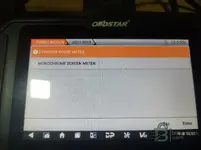
That screenshot is actually the OBDSTAR tool, not "Odomaster" as a brand — the "OBDSTAR" logo is right there on the device, and this is its Ford/Lincoln 2011-2013 mileage menu. Good find regardless, because it does confirm real OBD2 coverage for that year range.

What matters here is the submenu itself: it's asking to pick the cluster type — 2 POINTER COLOR METER vs MONOCHROME SCREEN METER. That's not a generic "write any BS7T" function — OBDSTAR splits Ford clusters by display hardware, and picking the wrong one is a common reason these OBD tools fail or reject the cluster. So before bimo37 tries this:

  • Which display does his Mondeo actually have — full color TFT (2 pointer color meter) or the older monochrome LCD trip screen? That decides which branch to select in this menu.
  • Does OBDSTAR then ask for BS7T-14C026 specifically further in, or just "Mondeo 2011-2013" generically? If you can go one screen deeper and screenshot the next step, that tells us if it's granular enough to match his exact part number.

Same caution as with the other OBD paths: if OBDSTAR's routine is a proper mileage-adjust function (type km, tool handles the cluster's own checksum), that's the clean fix. If it's secretly just writing a template EEPROM image over OBD, it could hit the same stale-checksum issue. Do you know which OBDSTAR model this is (X300 DP, X300 Pro4, MINI, etc.) and whether you've completed a successful write with it on a BS7T Mondeo before, or is this just the menu you found?
 

Post #45

Here is Viseon
 

Attachments

  • 8fc5864f-d8ca-474f-98b5-f3270fe8b098.webp
    8fc5864f-d8ca-474f-98b5-f3270fe8b098.webp
    104.3 KB · Views: 23

Post #46

Yes, that is the important menu branch: MONDEO VISTEON.

For bimo37’s cluster BS7T-14C026-CG / 24C16, I would not use the generic MONDEO or MONDEO CONVERS+ option first. The correct one to try is this MONDEO VISTEON profile, because it should be the routine intended for the Visteon dash and should handle the hidden checksum/mirror that caused the ERROR after raw EEPROM editing.

Next useful check: enter MONDEO VISTEON and see what it offers on the next screen:

  • OBD2 mileage adjustment, or EEPROM/bench procedure?
  • Does it ask for year 2011–2013?
  • Does it read current mileage correctly before writing?

If it reads the current mileage correctly through this Visteon profile, then write 309400 km with the tool function, not by loading the manually edited dump. Then power-cycle the cluster a few times and confirm no ERROR.
 

Post #48

Thanks pitin, that clarifies the useful part.

So for this Mondeo BS7T / Visteon 24C16 case the safest conclusion is:

  • Do not use the manually edited raw EEPROM dump again.
  • Use a dedicated Mondeo Visteon mileage function if available.
  • If using CarProg bench mode, use Write Km inside the Visteon profile, not generic EEPROM write.
  • If using OBDSTAR/OBD route, select the correct Visteon / display type and first confirm it reads the current mileage correctly.

That should let the tool handle the checksum/mirror data that caused the ERROR. Thanks for checking the menus and screenshots.
 
Activity
So far there's no one here