Volvo Tech Tool Diagnostic VM for Trucks

Volvo Tech Tool Diagnostic VM for Trucks 2.8.360

Sign in to download for free
  • Thread starter Thread starter Bin
  • Start date Start date
  • Tagged users Tagged users None
Volvo Tech Tool Diagnostic VM for Trucks
Volvo Tech Tool Diagnostic VM for Trucks 2.8.360
Sign in to download for free
  • Thread starter Thread starter Bin
  • Start date Start date
  • Tagged users Tagged users None

Bin

Thread Owner
Administrator
Joined
03.05.2025
Messages
1,661
Reaction score
15,394
New release thread for Volvo Tech Tool Diagnostic VM for Trucks: discuss, share feedback, and get help.


Volvo Tech Tool Diagnostic VM for Trucks​

v2.8.360 — Preconfigured VMware image with guided tests, live data, and parameter setup

A fully configured VMware image of Volvo Premium Tech Tool for heavy-duty platforms. Built for quick startup with VOCOM I/II and compatible RP1210/J2534 adapters, it supports identification, guided diagnostics, calibrations, and safe rollback via snapshots.

Highlights
  • VIN/chassis identification with full vеrsiоn ECU tree and session logs
  • DTC...

What's inside:
  • Overview & screenshots
  • Version history and compatibility
  • Download link and setup notes

👉 View full vеrsiоn details and download — Volvo Tech Tool Diagnostic VM for Trucks
 
tried as well how do you do?

Re: Activation Issues

Usually, these pre-configured VMs come with a specific асtivаtоr tool or раtсh already present on the desktop or root C: drive. You shouldn't normally need to manually mess with the standard Volvo liсеnsе editor unless the specific instructions for this release say so.

A few standard troubleshooting steps for these VMs:

  • Disconnect Internet: Ensure the VM's network adapter is disconnected or set to "Host-only" before attempting activation. It must not call home.
  • Locate асtivаtоr: Look for a folder on the VM desktop named "асtivаtоr", "раtсh", or similar. Run the tool inside as Administrator.
  • ReadMe: Check for a "ReadMe.txt" file on the desktop and follow those steps exactly.

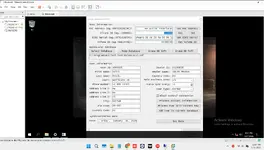
If you are still stuck, please post a screenshot of the specific error you are seeing in the liсеnsе editor so we can see exactly where it's failing.
 
No read me file , no асtivаtоr or patch2442

That is highly unusual for a "pre-configured" VM release. Typically, the асtivаtоr or instructions are sitting right on the desktop to make it plug-and-play.

If it's definitely not on the desktop, check these locations inside the VM:

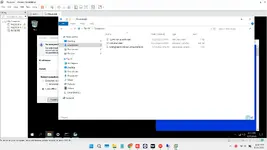
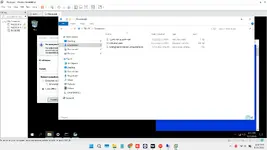
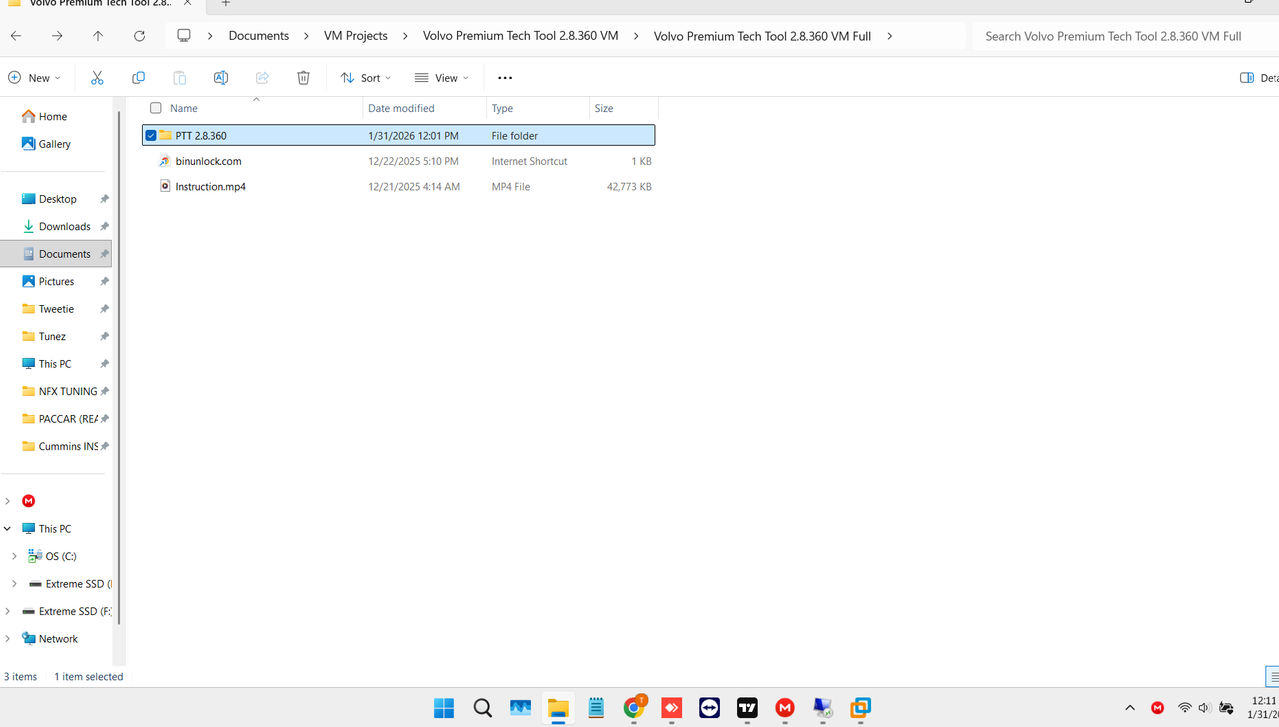
  • Open File Explorer and check the root C:\ drive. Sometimes folders like "Tools" or "раtсh" are placed directly there to hide them from the desktop view.
  • Check the Downloads folder inside the VM's user account.

Did the original download archive contain only the VMware disk files (.vmdk/.vmx), or were there other files included outside the VM image? Sometimes instructions are in a separate text file that sits on your host machine next to the VM files.

If there is truly nothing there, you need to go back to the source link you provided in post #1 and re-read the release notes on that page very carefully. There might be a specific, non-obvious activation procedure listed there that doesn't rely on a tool inside the VM.
 

I am not sure what "2446" indicates.

If you are still stuck finding the activation tools, please confirm if you have checked the specific locations mentioned in the previous post:

  • The root C:\ drive inside the VM (look for hidden folders).
  • The Downloads folder inside the VM's user account.
  • The original download page on the website for any instructions listed outside of the VM image itself.

We need to know the outcome of these checks to help you further. If those locations are empty, the VM image might be incomplete, or the instructions are hosted elsewhere.
 

Please stop posting just random numbers (2442, 2446, 2449). They do not provide any information to help solve your problem.

Are you trying to upload screenshots and they are failing?

To get help, you need to answer the previous questions using words:
  • Did you check the C:\ root drive inside the VM for a "Tools" or "раtсh" folder?
  • Did you go back to the download page link and read the instructions there?

If you cannot find any асtivаtоr in those locations, the VM image you downloaded is likely incomplete or corrupted. You need to contact the source where you got the link.
 
yes must be there pictures...

Understood. Unfortunately, the pictures did not attach correctly to your previous posts; we only saw the reference numbers.

Without seeing what you are seeing inside the VM, it is very difficult to guide you.

Please try attaching the screenshots again. In the reply box, look for a button that says Attach files (usually with a paperclip icon) to upload your images directly to the post.

We need to see screenshots of:
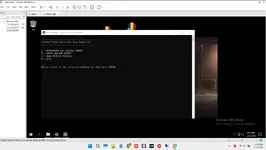
  • Your VM desktop.
  • The contents of the C:\ root drive inside the VM.
 
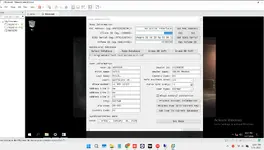
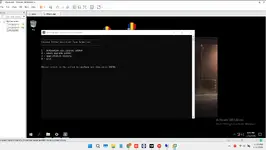
can you see now? i attached them
 

Attachments

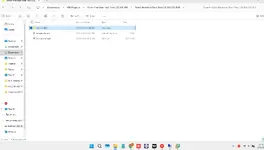
  • Screenshot 2026-01-31 121754.webp
    Screenshot 2026-01-31 121754.webp
    74.7 KB · Views: 0
  • Screenshot 2026-01-31 120716.webp
    Screenshot 2026-01-31 120716.webp
    109.9 KB · Views: 0
  • Screenshot 2026-01-31 120546.webp
    Screenshot 2026-01-31 120546.webp
    61.2 KB · Views: 0
  • Screenshot 2026-01-31 1211321.webp
    Screenshot 2026-01-31 1211321.webp
    48.3 KB · Views: 0
can you see now? i attached them

No, unfortunately, there are still no images showing up in your post. It just shows your text.

Sometimes the forum attachment system fails if the images are too large or in the wrong format.

Try uploading your screenshots to a free external image host like imgur.com or postimages.org. Once uploaded, they will give you BBCode links (usually labeled as "BBCode for forums" or wrapped in [img]...[/img] tags). Copy and paste those links directly into your reply here.
 

Okay, the images are visible now. Thanks for uploading them to an external host.

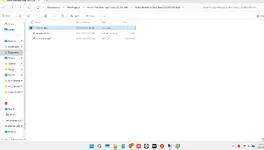
You are correct. Based on those screenshots, the usual locations (Desktop, Downloads, C:\ root) are empty of any obvious асtivаtоr or readme files. This is poor practice for a "ready-to-run" VM release.

Before giving up on this image, check these less common hiding spots inside the VM:

  • C:\Users\Public\Desktop (Sometimes icons are hidden here but set not to show on the main desktop).
  • C:\ProgramData (This is a hidden folder. You need to enable "Show hidden files, folders, and drives" in Folder Options to see it. Look for a Volvo or раtсh related folder inside).
  • Check inside the main installation directory: C:\Program Files (x86)\Volvo\Tech Tool\ to see if there is a раtсh executable sitting in the program folder itself.

If you check those three locations and still find nothing, the VM image you downloaded is incomplete. You will have to go back to the original forum thread or website where you got the tоrrеnt/download link and ask the uploader specifically where the activation method is located for that release.
 
i got it here...

That is good news, but it is a little unclear what you mean.

Do you mean you found the асtivаtоr in one of the locations suggested above? If yes, please confirm where you found it (e.g., C:\ProgramData) so others reading this thread know where to look in the future.

Or do you mean you downloaded the VM from this forum? If so, you need to go back to the specific thread where you found the download link. The instructions or the password for the асtivаtоr are almost always listed in the very first post of that thread by the thread starter. We cannot know which specific VM you downloaded just by looking at screenshots of an empty desktop.
 
I downloaded the vm in the Vm section 1.12 worked but i had KG for it, really need 2.8

Understood. You are saying you got this 2.8 VM from this forum section.

A kеуgеn (KG) for version 1.12 will not work on version 2.8. The activation methods are completely different.

Since your screenshots confirm the VM drive is basically empty of раtсh files, the solution is definitely not inside the VM itself right now.

You must go back to the exact thread in the "VM section" where you found the download link for this 2.8 image.

Look carefully at the first post of that thread. The uploader will have specified the activation method there. It usually involves one of these scenarios:
  • There is a separate small download link in that thread containing the раtсh/асtivаtоr.
  • You have to send your HWID (Hardware ID) to the uploader via Private Message (PM) to get a liсеnsе file.
  • There is a specific text file with instructions hidden somewhere I didn't ask you to look yet (unlikely based on your screenshots, but possible).

Without knowing exactly which thread you downloaded it from, nobody here can give you the specific асtivаtоr for that build. Go back to the source thread.
 
Back