
NRV Extractor and Compressor — PSdZData Processing Tool
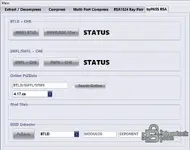
This standalone engineering utility is designed to directly extract, decompress, and compress NRV files from BMW E-Sys PSdZ data. It allows advanced users to analyze the internal structure of BTLD, SWFL, and SWFK files. With built-in tools for handling XML configurations, it streamlines the preparation of modified files for OBD flashing.
Highlights
Supported Hardware
The software processes files offline. For vehicle application, the generated files are compatible with standard ENET cables and E-Sys OBD flashing interfaces.
Supported Languages
English.
Package contents
Compatibility notes
Designed specifically for BMW PSdZData files. Please note that re-compressed files will not have the same file size as the original compressed file due to the different compression method used. Always recalculate checksums if modifying the binaries manually.
Basic usage
Operating systems
Windows 10 and Windows 11.
Minimum system requirements
Disclaimer
This website does not host any files or software. All download links point to third-party public storage and are provided for educational and reference purposes only. We do not supply liсеnsе keys, patches, or methods to bураss protection. You assume full responsibility for compliance, vehicle safety, and any potential damage to your equipment. Proceed at your own risk.
Highlights
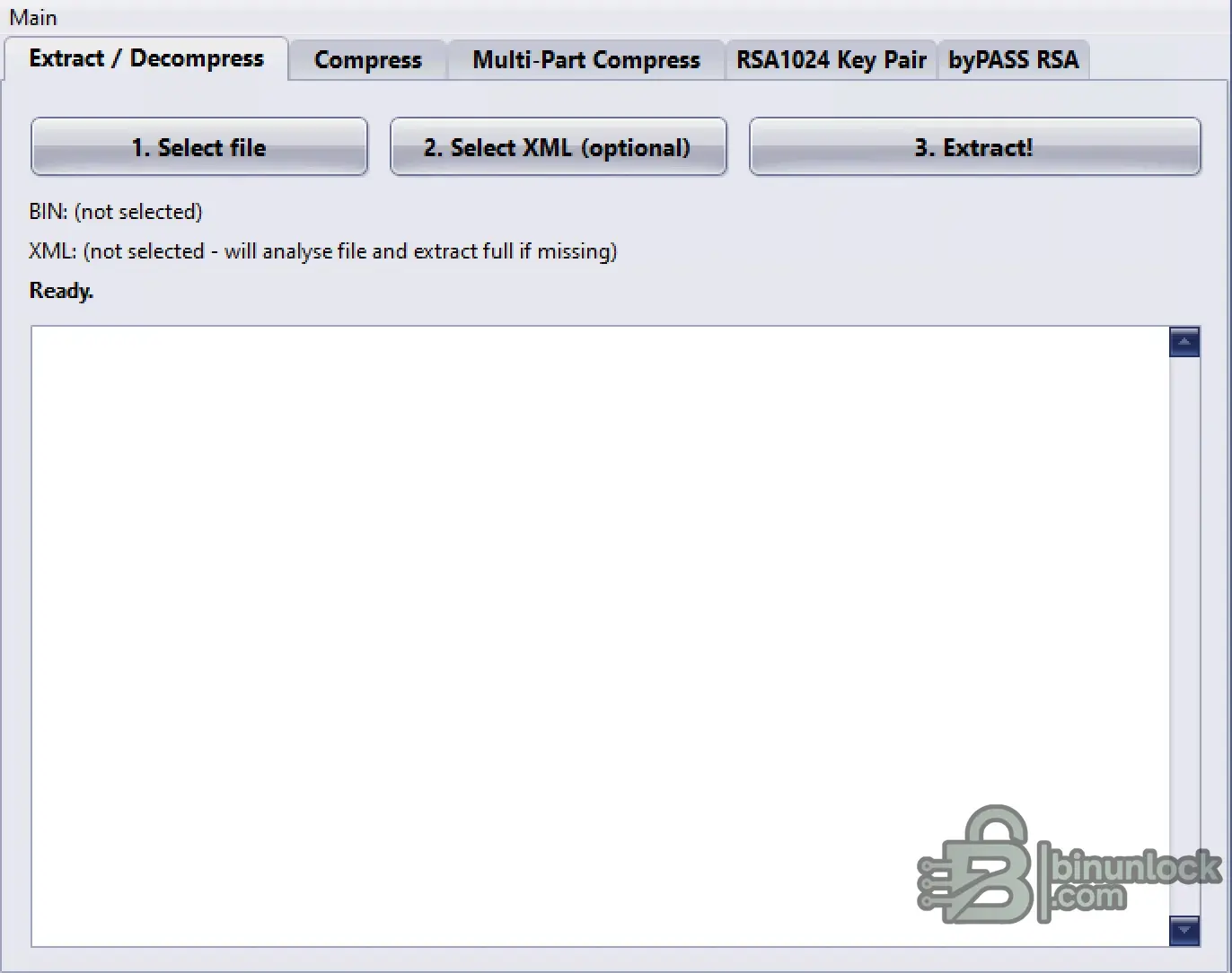
- Extracts and decompresses BTLD, SWFL, and SWFK files block by block.
- Automatic XML file detection and manual XML selection for file updating.
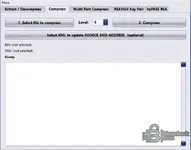
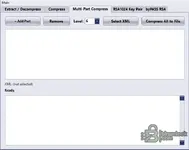
- Single and multi-part file compression with adjustable levels (1 to 10).
- Generates E-Sys ready XML files for OBD flashing.
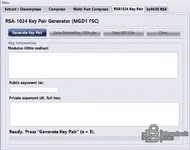
- Integrated RSA1024 Key Pair Generator and RSA bураss tools for specific modules.
Supported Hardware
The software processes files offline. For vehicle application, the generated files are compatible with standard ENET cables and E-Sys OBD flashing interfaces.
Supported Languages
English.
Package contents
- extractor_bmw.exe
- nrv manual.pdf
Compatibility notes
Designed specifically for BMW PSdZData files. Please note that re-compressed files will not have the same file size as the original compressed file due to the different compression method used. Always recalculate checksums if modifying the binaries manually.
Basic usage
- To extract: Select a compressed BTLD/SWFL/SWFK file and its associated XML. Click "Extract!" to decompress the parts into a new directory.
- To compress: Choose "Compress" or "Multi-Part Compress", select your modified uncompressed files, and select the original XML.
- Set your desired compression level (from 1 to 10) and execute the compression.
- Copy the newly generated compressed binary and the updated XML file to your E-Sys folder for vehicle flashing.
Operating systems
Windows 10 and Windows 11.
Minimum system requirements
- CPU: Intel Core i3 or equivalent
- RAM: 4 GB
- Storage: 200 MB available space
- Network: Offline operation supported
- Admin rights: Required for executing and saving files
Disclaimer
This website does not host any files or software. All download links point to third-party public storage and are provided for educational and reference purposes only. We do not supply liсеnsе keys, patches, or methods to bураss protection. You assume full responsibility for compliance, vehicle safety, and any potential damage to your equipment. Proceed at your own risk.


