
Binary ASCII Inspector — String Extraction and Dump Analysis Tool
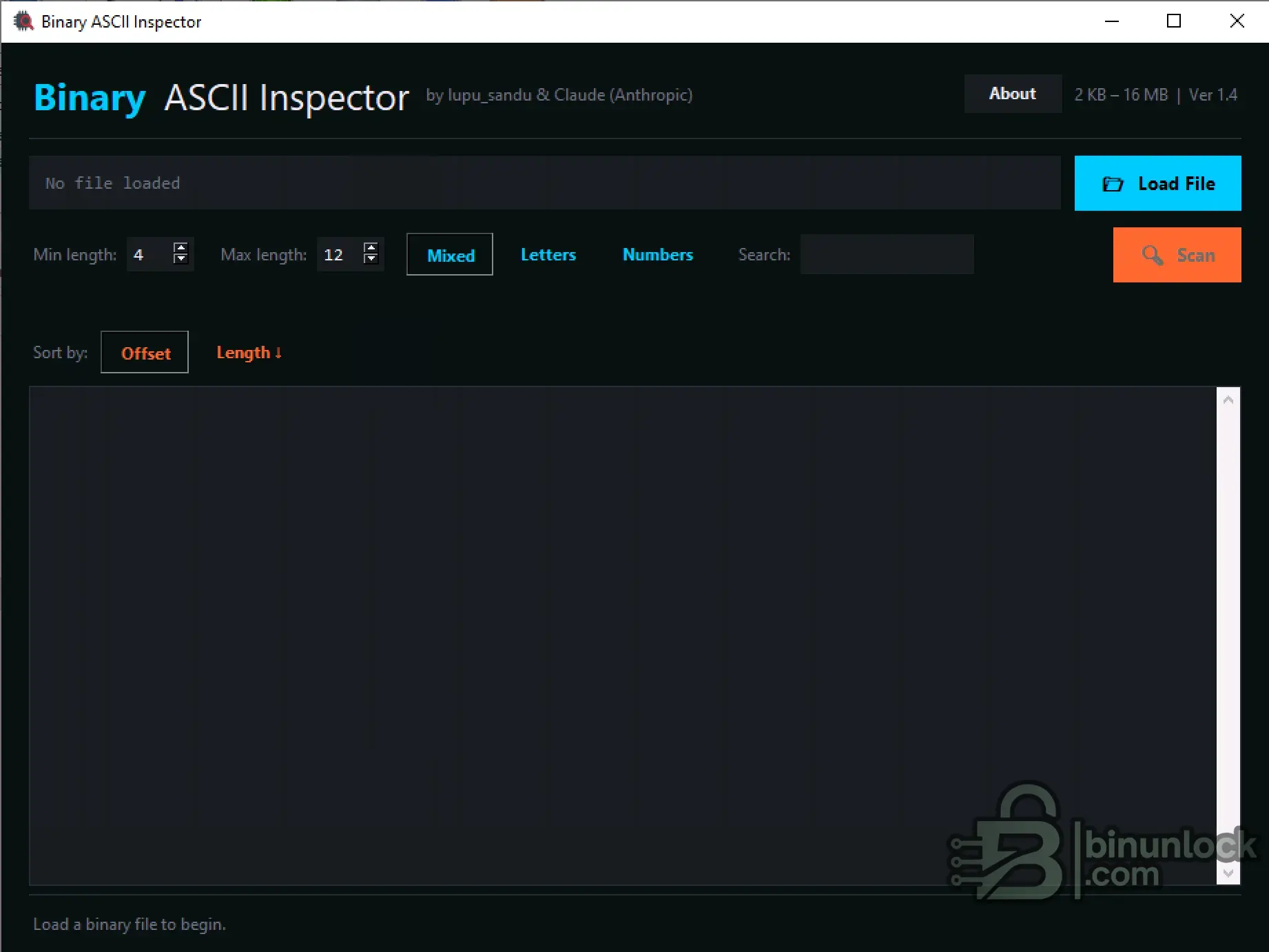
This standalone engineering utility is designed to inspect raw binary files and extract readable ASCII strings. It is particularly useful for reverse engineering, analyzing EEPROM dumps, and locating specific textual data or part numbers hidden within firmware. The tool processes files ranging from 2 KB to 16 MB and offers precise filtering options to streamline data analysis.
Highlights
Supported Hardware
The software processes binary files offline and does not require a vehicle interface. It works with dumps generated by any standard EEPROM or MCU programmer.
Supported Languages
English.
Package contents
Compatibility notes
Compatible with any raw binary file (.bin, .hex, .dump) as long as the file size is strictly between 2 KB and 16 MB.
Basic usage
Operating systems
Windows 10 and Windows 11.
Minimum system requirements
Disclaimer
This website does not host any files or software. All download links point to third-party public storage and are provided for educational and reference purposes only. We do not supply license keys, patches, or methods to bypass protection. You assume full responsibility for compliance, vehicle safety, and any potential damage to your equipment. Proceed at your own risk.
Highlights
- Configurable string extraction with minimum and maximum length limits
- Advanced character filtering options (Mixed, Letters, Numbers)
- Integrated search function to locate specific text within the binary
- Data sorting capabilities by file offset or string length
- Optimized for fast scanning of firmware and memory dumps
Supported Hardware
The software processes binary files offline and does not require a vehicle interface. It works with dumps generated by any standard EEPROM or MCU programmer.
Supported Languages
English.
Package contents
- Binary ASCII Inspector.exe
Compatibility notes
Compatible with any raw binary file (.bin, .hex, .dump) as long as the file size is strictly between 2 KB and 16 MB.
Basic usage
- Click "Load File" to open your raw binary dump.
- Adjust the "Min length" and "Max length" parameters to filter out background noise.
- Select the appropriate character filter (Mixed, Letters, or Numbers).
- Click "Scan" to extract all matching ASCII strings from the code.
- Use the "Search" field to find specific keywords, VINs, or part numbers within the results.
Operating systems
Windows 10 and Windows 11.
Minimum system requirements
- CPU: Intel Core i3 or equivalent
- RAM: 2 GB
- Storage: 20 MB available space
- Network: Offline operation supported
- Admin rights: Standard user permissions allowed
Disclaimer
This website does not host any files or software. All download links point to third-party public storage and are provided for educational and reference purposes only. We do not supply license keys, patches, or methods to bypass protection. You assume full responsibility for compliance, vehicle safety, and any potential damage to your equipment. Proceed at your own risk.


