
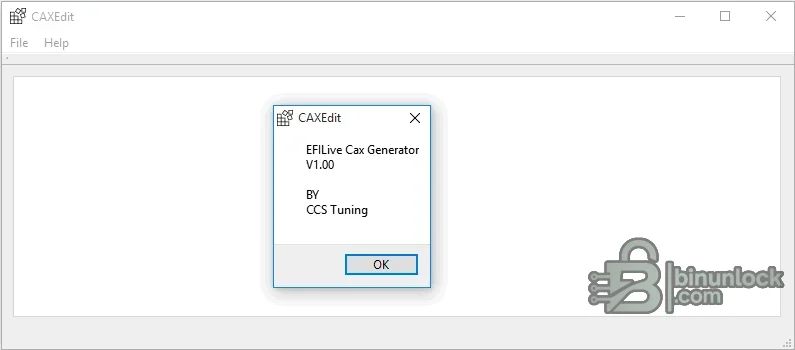
CAXEdit is a portable Windows editor and generator for EFILive CAX calibration-definition files. It is designed for experienced calibration users who need to describe additional tables or parameters that are not present in the standard EFILive definition, while keeping addresses, data types and conversion formulas organized in a structured file.
Supported vehicles, ECUs and files#
Classic CAX files are plain-text definitions used by the EFILive V7.5 Tune Tool to add user-defined calibration items. A definition is tied to the exact controller operating system and memory layout: the address, element size, row/column shape and engineering conversion must all be correct. CAX8 is a different format and should not be treated as interchangeable.- EFILive V7.5 CAX definition workflows for controller files whose memory layout is already known.
- Scalar parameters and one- or two-dimensional tables that can be represented by the supported CAX syntax.
- Definition files placed in the EFILive calibration template path for the matching operating system.
Functions#
- Create and edit CAX sections with names, descriptions, addresses, data types and scaling information.
- Organize map axes, dimensions and display units without manually maintaining every text delimiter.
- Generate a definition that can be reviewed before it is loaded by the EFILive Tune Tool.
- Maintain reusable definitions for known controller operating systems.
System and hardware requirements#
- A Windows PC; the application is portable and includes its required Qt libraries and plugins.
- EFILive V7.5 Tune Tool for using the resulting classic CAX file.
- A legally obtained calibration file plus trustworthy reverse-engineering or OEM definition data.
- Enough knowledge to verify memory addresses, signedness, byte order, units and scaling.
Recommended workflow#
- Copy the original calibration and identify its exact operating-system or software number.
- Create one definition at a time from verified address and conversion data.
- Load the CAX with a copy of the calibration and confirm displayed values against known physical ranges.
- Review all edits and checksum requirements before any controller programming.


