
Description
Navistar ServiceMaxx is a dedicated Windows diagnostic and service application for supported International and MaxxForce engine control systems over J1939. It provides engine and vehicle identification, fault-code analysis, live signal groups, data-link traffic, snapshots, tests and programmable service parameters in a Navistar-focused interface.
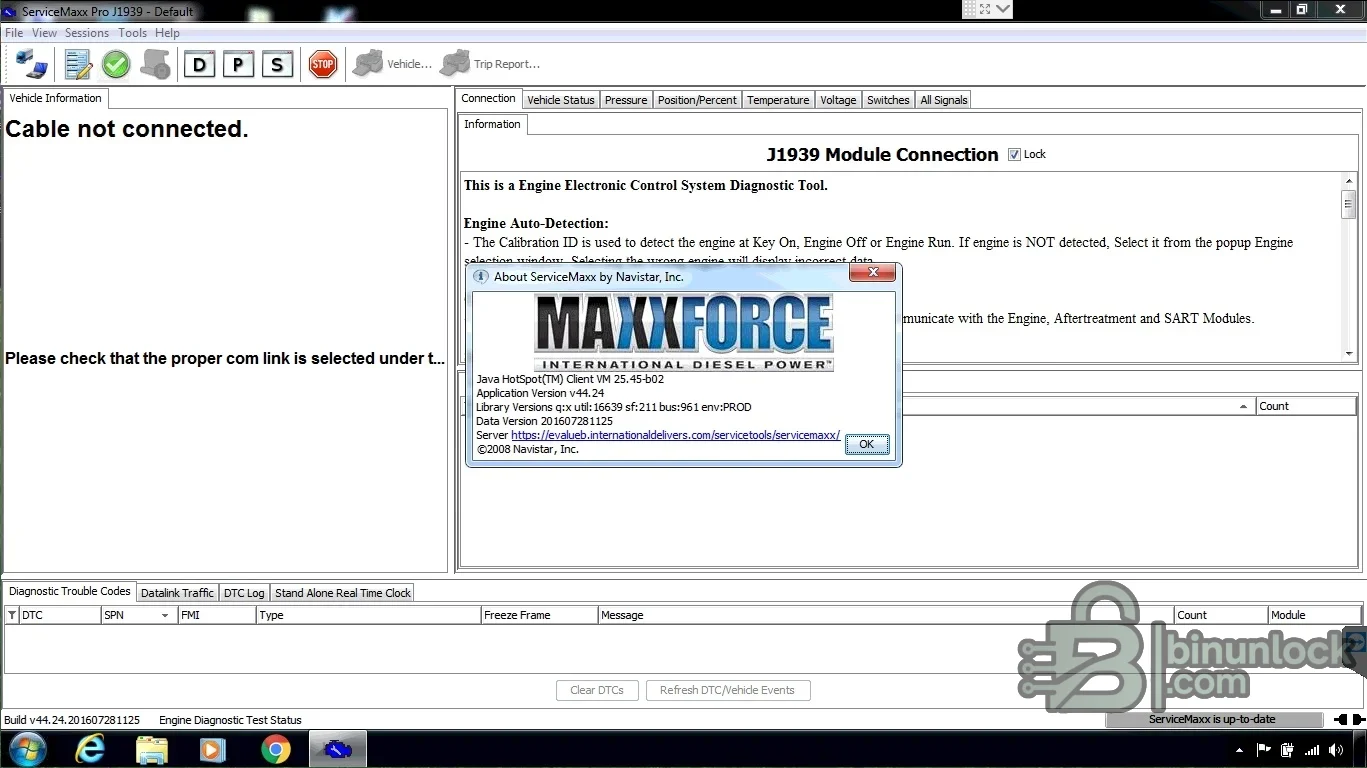
Supported vehicles, ECUs and files#
The intended scope is Navistar-built engine electronics used in supported International vehicles, not every engine installed in an International chassis. A vehicle equipped with another engine manufacturer may require that manufacturer’s diagnostic software. ServiceMaxx documentation covers Navistar engine identification, calibration information, diagnostic sessions and programming procedures through a compatible communication adapter.- Supported International/MaxxForce engine controllers communicating over J1939.
- Vehicle identification, engine serial and calibration information reported by the connected ECM.
- Navistar service tests, procedures and parameters enabled for the exact engine family.
- J1939 data-link access through a compatible RP1210-style workshop interface.
Functions#
- Read active and previously active DTCs, descriptions and freeze-frame information.
- Monitor temperatures, pressures, voltages, switch states, actuator positions and calculated signals.
- Build signal groups, capture snapshots and configure trigger conditions for intermittent faults.
- Inspect data-link traffic with the available message/sniffer tools.
- Run supported tests, procedures and parameter programming after correct identification.
System and hardware requirements#
- A compatible Windows workshop environment; the supplied generation is documented around Windows 7.
- The Java runtime expected by this generation; its troubleshooting guide specifies Java 6 Update 27 rather than an arbitrary newer Java installation.
- A supported J1939 communication adapter, vendor driver and correct vehicle cable.
- Administrator rights for installation, stable vehicle power and the required Navistar access/licensing.
Recommended workflow#
- Install the adapter driver and required Java runtime, then verify adapter communication independently.
- Connect to the vehicle, confirm VIN/engine serial/calibration and save a complete initial health report.
- Use signal groups and snapshots to diagnose the fault before clearing codes or changing parameters.
- Follow the exact service procedure and maintain voltage during any programmable operation.


