
BMW SME Module Recovery — Crash Data Reset and Virginizing Pack
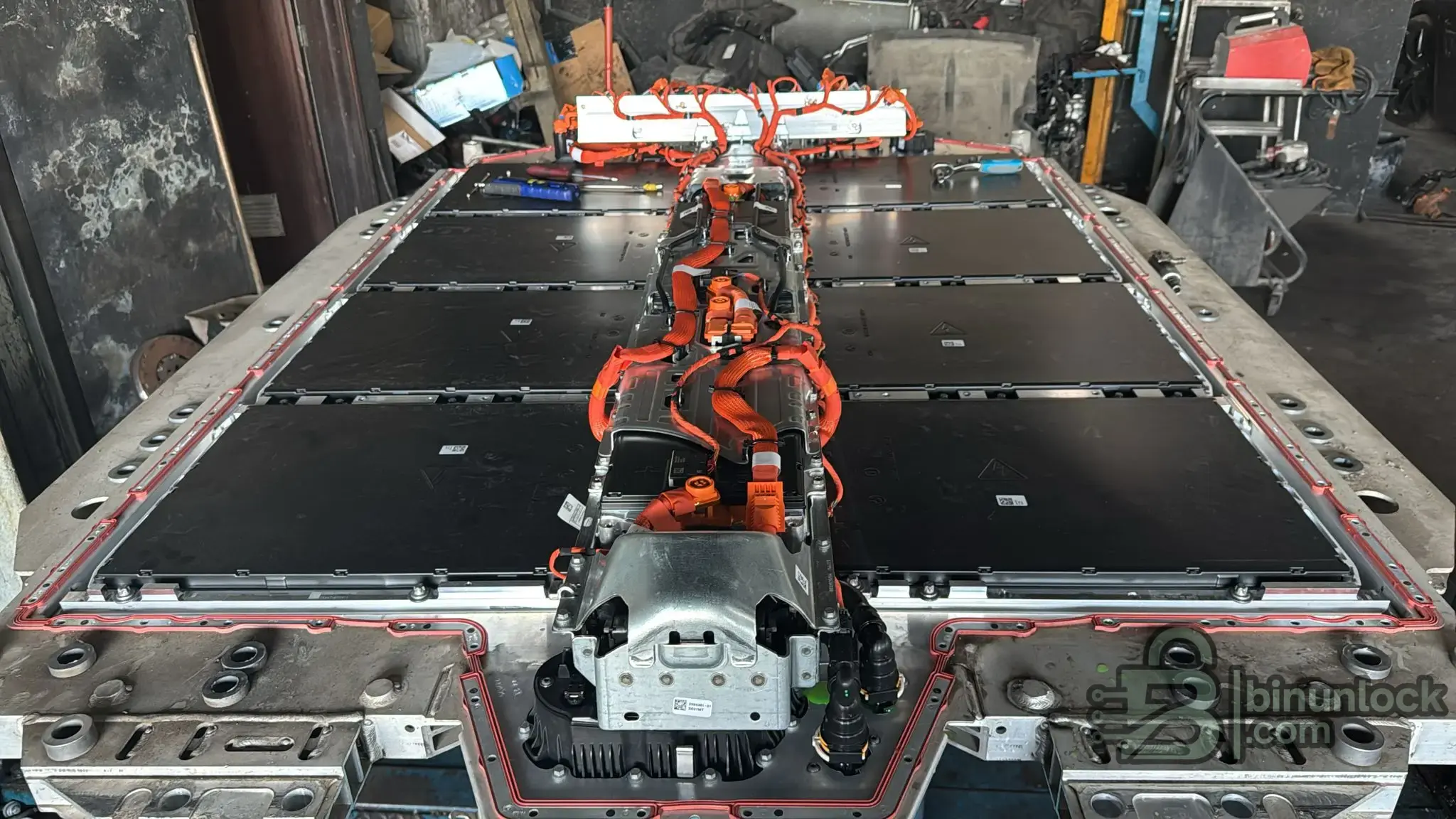
This technical solution package provides the necessary files and documentation to safely virginize BMW Storage Management Electronics (SME) modules. It is highly useful for clearing hard crash data after an accident or when retrofitting a second-hand SME unit to a new vehicle. The package includes virgin D-Flash files and wiring diagrams specifically tailored for the TC27X processor architecture.
Highlights
Supported Hardware
The files and pinouts are designed to be used with standard advanced bench programmers. Verified support includes Xhorse VVDI MULTI PROG and Infineon Memtool interfaces.
Supported Languages
English.
Package contents
Compatibility notes
Developed for BMW SME (Battery Management) units utilizing the TC27X microcontroller. After a severe crash, always physically inspect and test the vehicle's high-voltage fuses (one front fuse and two internal SME fuses) before attempting software recovery.
Basic usage
Operating systems
Windows 10 and Windows 11 (depends on the programmer software used).
Minimum system requirements
Disclaimer
This website does not host any files or software. All download links point to third-party public storage and are provided for educational and reference purposes only. We do not supply liсеnsе keys, patches, or methods to bураss protection. You assume full responsibility for compliance, vehicle safety, and any potential damage to your equipment. Proceed at your own risk.



Highlights
- Complete removal of crash data from SME modules
- Virginize used modules to a factory "brand new" state
- Includes verified D-Flash files for the TC27X-64F processor
- Detailed pinout diagrams for direct bench connection
- Step-by-step PDF manual included for safe execution
Supported Hardware
The files and pinouts are designed to be used with standard advanced bench programmers. Verified support includes Xhorse VVDI MULTI PROG and Infineon Memtool interfaces.
Supported Languages
English.
Package contents
- memtool infenion dongle (folder)
- TC27X-64F_DFLASH VIRGIN multi prog (folder)
- infenion dongle.png
- multiprog pinout.png
- new sme solution pdf.pdf
Compatibility notes
Developed for BMW SME (Battery Management) units utilizing the TC27X microcontroller. After a severe crash, always physically inspect and test the vehicle's high-voltage fuses (one front fuse and two internal SME fuses) before attempting software recovery.
Basic usage
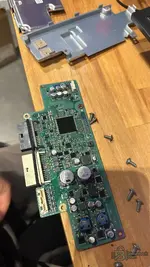
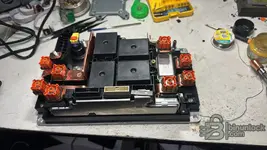
- Open the SME module to access the PCB and verify the processor type.
- Connect your programmer (VVDI Multi Prog or Memtool) to the module using the provided "multiprog pinout.png" diagram.
- Always read and backup the original D-Flash data before making any changes.
- Write the provided virgin D-Flash file to the microcontroller.
- Disconnect the tool, assemble the module, and install it back into the vehicle for final coding and initialization via ISTA or E-Sys.
Operating systems
Windows 10 and Windows 11 (depends on the programmer software used).
Minimum system requirements
- CPU: Intel Core i3 or equivalent
- RAM: 4 GB
- Storage: 50 MB available space
- Network: Offline operation supported
- Admin rights: Required for executing programmer software
Disclaimer
This website does not host any files or software. All download links point to third-party public storage and are provided for educational and reference purposes only. We do not supply liсеnsе keys, patches, or methods to bураss protection. You assume full responsibility for compliance, vehicle safety, and any potential damage to your equipment. Proceed at your own risk.


