
CarTool — Immo, Airbag Reset and Radio Code Utility
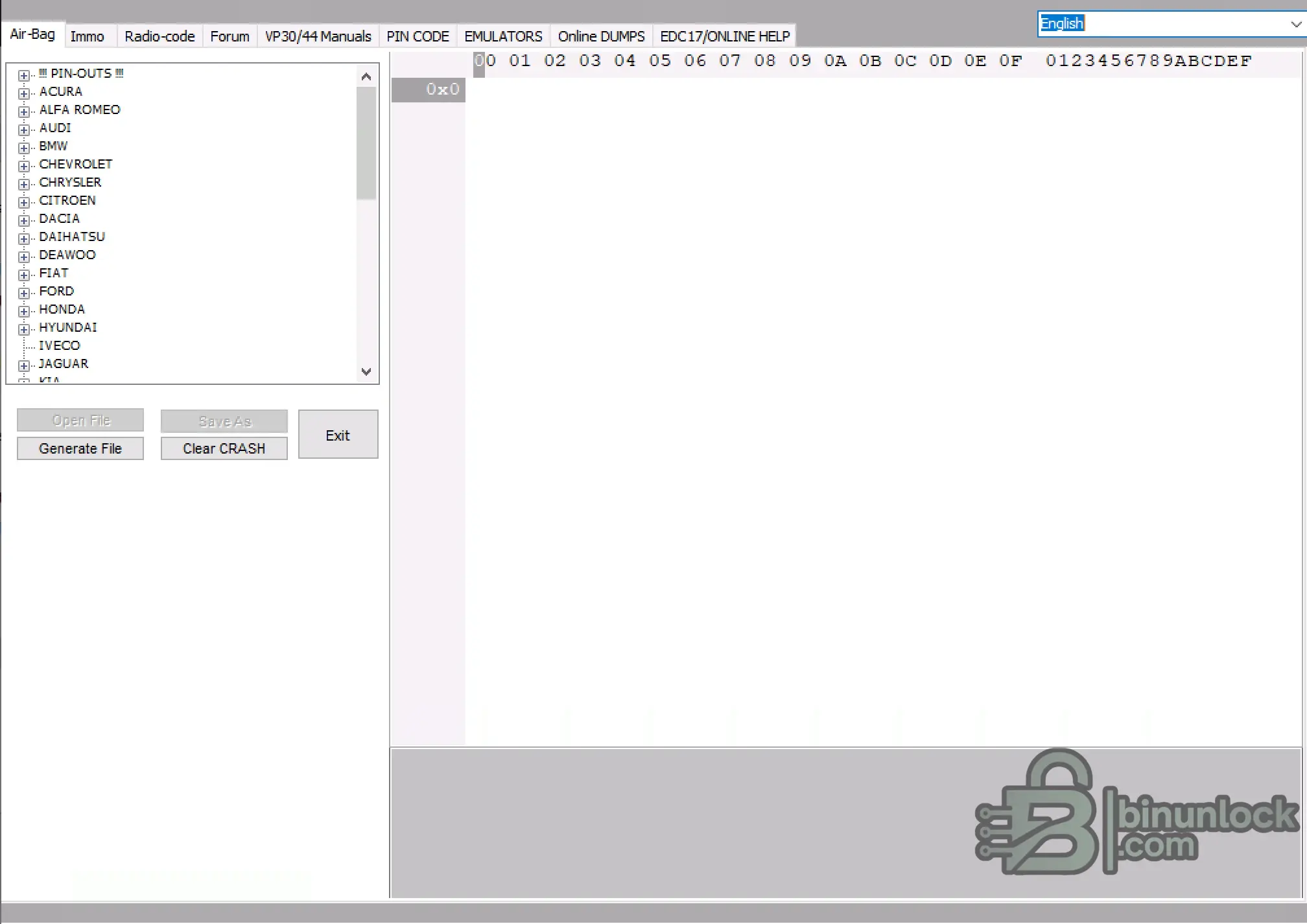
CarTool is a multi-functional diagnostic and repair database designed for automotive electronics. It provides technicians with an extensive suite of offline modules for clearing airbag crash data, disabling immobilizer systems, extracting radio codes, and retrieving PIN codes across a wide range of vehicle brands. Additionally, the software includes hardware repair schematics and emulator build instructions for advanced bench work.
Highlights
Supported Hardware
The software processes file dumps offline and acts as a calculator/database. It does not require a specific vehicle interface. However, reading and writing the EEPROM/MCU dumps requires a standard bench programmer (e.g., Xprog, TL866, UPA-USB).
Supported Languages
English and Polish.
Package contents
Compatibility notes
Provides broad coverage for older vehicle platforms up to approximately 2015. Specific module support varies by brand and internal EEPROM/MCU architecture.
Basic usage
Operating systems
Windows 7, Windows 10, and Windows 11 (x86 and x64 architectures).
Minimum system requirements
Disclaimer
This website does not host any files or software. All download links point to third-party public storage and are provided for educational and reference purposes only. We do not supply liсеnsе keys, patches, or methods to bураss protection. You assume full responsibility for compliance, vehicle safety, and any potential damage to your equipment. Proceed at your own risk.
Highlights
- Extensive database for Air-Bag crash data reset and IMMO disable
- Radio code calculator for brands like Daewoo, Grundig, and others
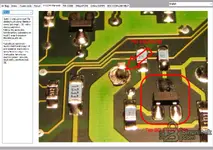
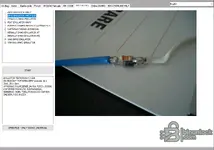
- Integrated hardware repair manuals (e.g., Bosch VP30/VP44 pump electronics)
- PIN code extraction utility for various vehicle modules
- Hardware emulator schematics and component-level build instructions
Supported Hardware
The software processes file dumps offline and acts as a calculator/database. It does not require a specific vehicle interface. However, reading and writing the EEPROM/MCU dumps requires a standard bench programmer (e.g., Xprog, TL866, UPA-USB).
Supported Languages
English and Polish.
Package contents
- EMULATORS (folder)
- foto (folder)
- USB DRIVERS (folder)
- CarTool.dll
- CarTool.exe
- data.dat
- ftd2xx.dll
- unins000.dat
- unins000.exe
Compatibility notes
Provides broad coverage for older vehicle platforms up to approximately 2015. Specific module support varies by brand and internal EEPROM/MCU architecture.
Basic usage
- Disable real-time antivirus protection during extraction to prevent false-positive file removals.
- Extract the provided archive directly to the root of your system drive (e.g., C:\CarTool).
- Launch CarTool.exe from the installation directory.
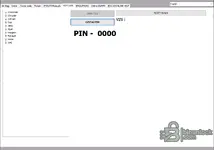
- Select the desired tab (Air-Bag, Immo, Radio-code, etc.) and choose your vehicle brand from the left menu.
- Load your EEPROM dump to process the crash data/IMMO, or use the reference manuals for hardware repairs.
Operating systems
Windows 7, Windows 10, and Windows 11 (x86 and x64 architectures).
Minimum system requirements
- CPU: Intel Core 2 Duo or equivalent
- RAM: 1 GB
- Storage: 200 MB available space
- Network: Offline operation supported
- Admin rights: Required for software execution
Disclaimer
This website does not host any files or software. All download links point to third-party public storage and are provided for educational and reference purposes only. We do not supply liсеnsе keys, patches, or methods to bураss protection. You assume full responsibility for compliance, vehicle safety, and any potential damage to your equipment. Proceed at your own risk.


