
HPT File Editor 2026 Hoppers - HPT/BIN Convert, Hex & Segment Tools
HPT File Editor 2026 Hoppers is a Windows workspace for inspecting, editing, converting and organizing supported HPT files.
The application provides HPT file identification, an advanced Hex Editor, HPT ↔ BIN conversion, segment operations, file rebuilding and a dedicated sorter for organizing larger HPT collections.
Key Features
HPT File Inspection
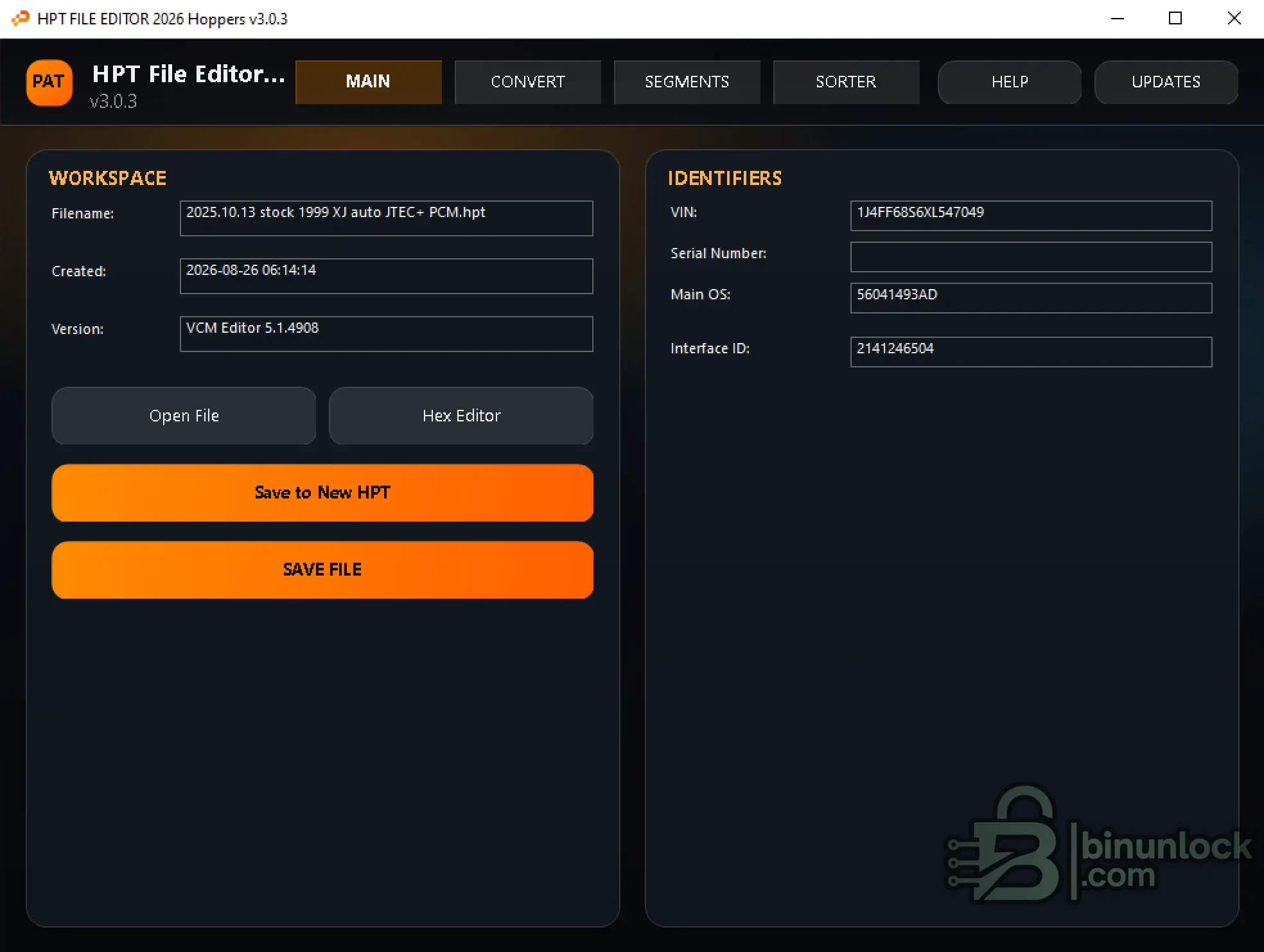
After opening a supported HPT file, the main workspace displays useful file and calibration identifiers including:
The file can then be inspected, edited or processed using the available conversion and segment tools.
Advanced Hex Editor
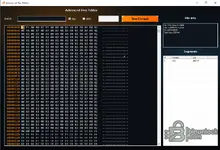
The integrated Advanced Hex Editor provides direct byte-level access to supported HPT data.
Available functions include:
HPT / BIN Conversion
The CONVERT workspace provides conversion between supported HPT and BIN formats.
Available workflows include:
HPT to BIN can be used to export either a complete BIN image or supported individual segment files depending on the loaded file.
Segment Tools
The dedicated SEGMENTS workspace provides supported segment operations, including Segment Swap.
The workflow can use donor and target HPT files, select the required segment data and save a new rebuilt result.
This allows supported segment-level work to remain separate from general hexadecimal editing.
HPT File Sorter
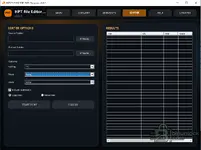
The integrated SORTER is designed for organizing larger collections of HPT files.
Available options include:
Available metadata can include values such as:
This provides a faster way to organize calibration libraries using information extracted from the HPT files instead of manually sorting filenames.
Package Contents
The current archive contains:
Activation
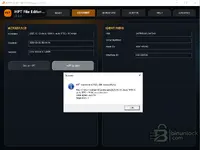
HPT File Editor 2026 uses an offline device-bound activation.
Important: The LICENSE NAME submitted with the request must exactly match the name entered when creating activation.req.
Do not edit the request or issued license file.
File Integrity
File: HPTeditorNew.exe
Version: 3.0.3
SHA-256:
VirusTotal:
View VirusTotal report
The VirusTotal report above corresponds to the executable identified by the exact SHA-256 hash shown above.
Important

HPT File Editor 2026 Hoppers is a Windows workspace for inspecting, editing, converting and organizing supported HPT files.
The application provides HPT file identification, an advanced Hex Editor, HPT ↔ BIN conversion, segment operations, file rebuilding and a dedicated sorter for organizing larger HPT collections.
Key Features
- Open and analyze supported HPT files
- Display VIN, Serial Number, Main OS and Interface ID
- Display source VCM Editor version and file creation information
- Advanced hexadecimal editor
- Hex and ANSI search
- HPT to BIN conversion
- BIN to HPT conversion
- Export complete BIN images
- Export supported segment BIN files
- Save rebuilt HPT files
- Segment Swap workflow
- HPT library sorter
- Sort files by OS, Year, Make and other available metadata
- Copy or move sorted files into a new folder structure
- Include subfolders during library sorting
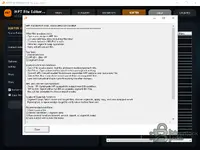
- Integrated Help documentation
HPT File Inspection
After opening a supported HPT file, the main workspace displays useful file and calibration identifiers including:
- Filename
- Creation date
- VCM Editor version
- VIN
- Serial Number
- Main OS
- Interface ID
The file can then be inspected, edited or processed using the available conversion and segment tools.
Advanced Hex Editor
The integrated Advanced Hex Editor provides direct byte-level access to supported HPT data.
Available functions include:
- Hexadecimal view
- ASCII / ANSI representation
- Hex search
- ANSI search
- Direct data editing
- Save Changes
- File information
- Segment address and size information
HPT / BIN Conversion
The CONVERT workspace provides conversion between supported HPT and BIN formats.
Available workflows include:
- BIN to HPT - build a supported HPT-compatible output from a BIN workflow
- HPT to BIN - export data from a loaded HPT file
HPT to BIN can be used to export either a complete BIN image or supported individual segment files depending on the loaded file.
Segment Tools
The dedicated SEGMENTS workspace provides supported segment operations, including Segment Swap.
The workflow can use donor and target HPT files, select the required segment data and save a new rebuilt result.
This allows supported segment-level work to remain separate from general hexadecimal editing.
HPT File Sorter
The integrated SORTER is designed for organizing larger collections of HPT files.
Available options include:
- Source folder selection
- Output folder selection
- Include subfolders
- Multiple sorting levels
- Copy files
- Move files
- Results table with extracted file information
Available metadata can include values such as:
Code:
OS
Year
Make
This provides a faster way to organize calibration libraries using information extracted from the HPT files instead of manually sorting filenames.
Package Contents
The current archive contains:
Code:
HPTeditorNew.exe
HPTeditorNew.exe.config
Activation
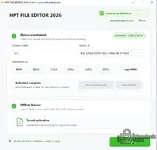
HPT File Editor 2026 uses an offline device-bound activation.
Important: The LICENSE NAME submitted with the request must exactly match the name entered when creating activation.req.
Do not edit the request or issued license file.
File Integrity
File: HPTeditorNew.exe
Version: 3.0.3
SHA-256:
Code:
edc89506647dc1e97d0b23741e6f9b676a67b821c5b609cc6093b2a101065ccdVirusTotal:
View VirusTotal report
The VirusTotal report above corresponds to the executable identified by the exact SHA-256 hash shown above.
Important


