
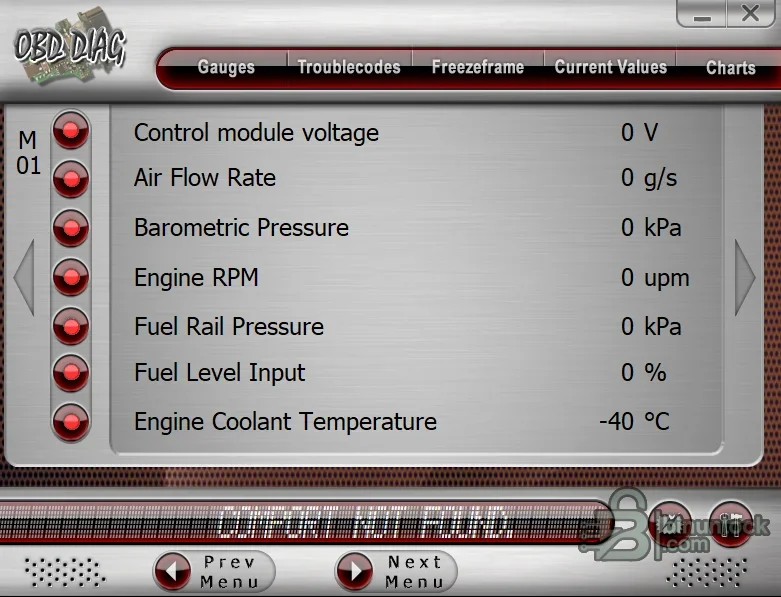
This OBD-II PC Diagnostics collection brings together several classic Windows scan applications and a self-contained reference guide. Depending on the selected component and adapter, the package can display generic powertrain trouble codes, freeze-frame records, live sensor parameters, oxygen-sensor information, readiness monitors, test results, charts and basic acceleration or logging views.
The collection is intended for generic OBD-II work, not dealer-level diagnostics. Generic OBD-II normally concentrates on emissions-related powertrain data; ABS, airbag, body, immobilizer, coding and manufacturer-specific functions require separate software and compatible hardware even when a screenshot shows that a module responded.
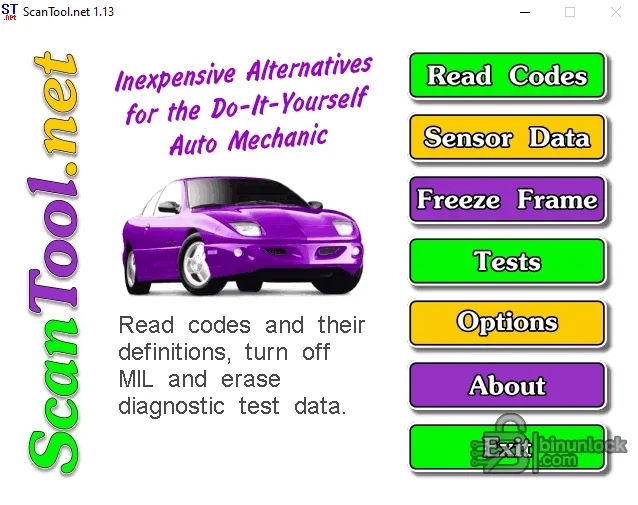
The collection is intended for generic OBD-II work, not dealer-level diagnostics. Generic OBD-II normally concentrates on emissions-related powertrain data; ABS, airbag, body, immobilizer, coding and manufacturer-specific functions require separate software and compatible hardware even when a screenshot shows that a module responded.
What this resource is for#
Use the collection to pair an older PC interface with the application that best matches it, verify generic vehicle communication and learn what each OBD-II data group means. The reference guide is useful when interpreting readiness, oxygen-sensor and emissions-test results instead of treating every displayed value as a component verdict.Functions included#
- Read and clear generic emission-related diagnostic trouble codes where the vehicle permits it
- View freeze-frame data recorded when a fault was stored
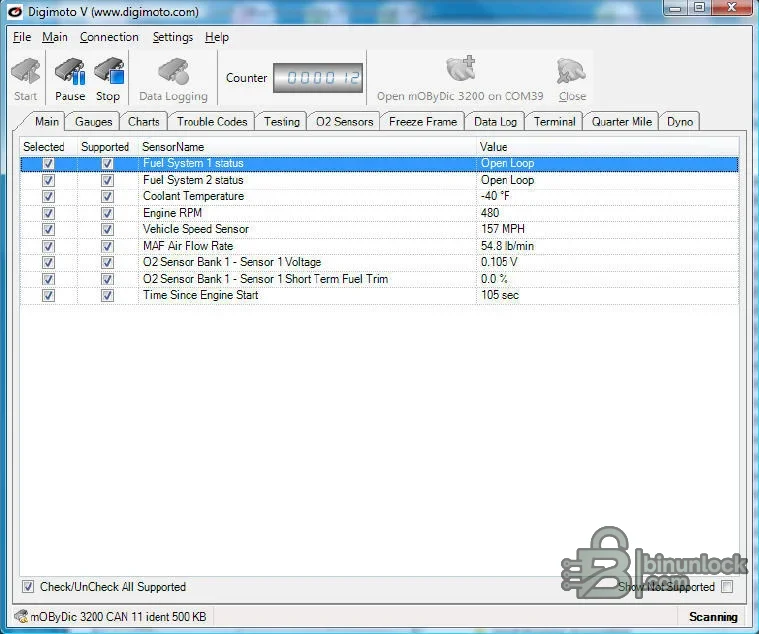
- Monitor common live PIDs such as RPM, airflow, coolant temperature, speed, fuel trims and oxygen-sensor values
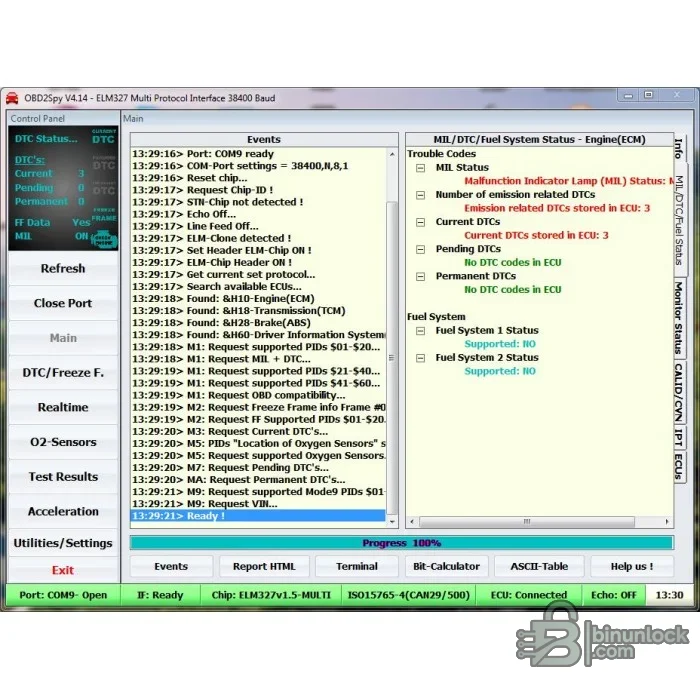
- Review readiness monitor and MIL status
- Display supported Mode data, test results, charts and gauges depending on the chosen application
- Record or export diagnostic information where the component provides that function
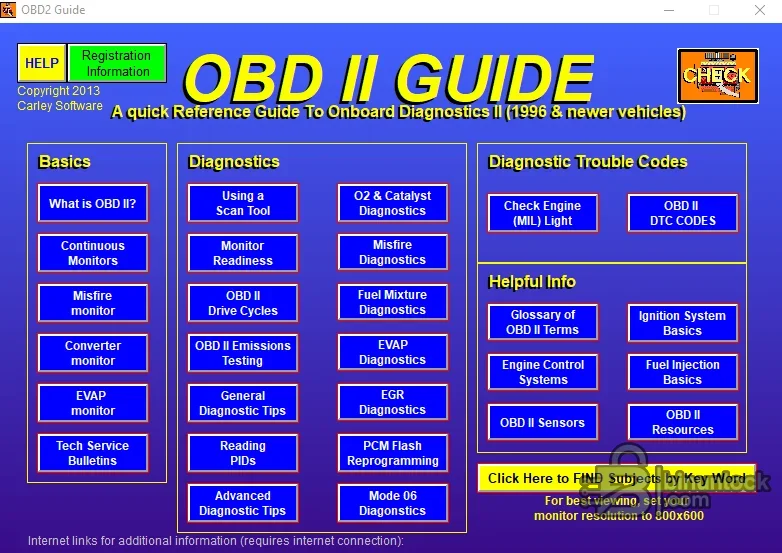
- Consult the included OBD-II reference guide for terminology and diagnostic context
Supported vehicles, controllers and file types#
- Generic OBD-II passenger vehicles and light trucks where local regulations and model year require the standard
- ELM327-style serial interfaces are shown by one component; quality and firmware implementation vary widely
- Digimoto screenshots identify a mOBDyc-style interface path in the supplied build
- Protocol availability depends on the adapter and vehicle: ISO, K-line, SAE and CAN support cannot be inferred from the software alone
- Manufacturer-specific modules and enhanced PIDs are not guaranteed
- The collection includes multiple applications because no single legacy interface works with every adapter
Package contents#
- Digimoto installers and the supplied activation helper
- OBD2Spy installer and its required cabinet and setup files
- OBD-DIAG application
- ScanTool Windows installer
- Interactive OBD-II reference guide
- Original screenshots and component documentation retained where functional
- Source contact artwork and an empty office document removed as non-functional clutter
System, hardware and interface requirements#
- Windows PC; an isolated older Windows VM may be useful for legacy installers
- A genuine, compatible serial, USB or Bluetooth OBD-II interface for the chosen application
- Correct interface driver and a stable COM-port assignment
- Vehicle with a charged battery and accessible diagnostic connector
- Internet is not required for the core offline tools, though external reference links inside old guides may no longer work
Recommended workshop workflow#
- Install or unpack only the component that matches the interface
- Verify the adapter in Windows and note the assigned COM port
- Connect with ignition state specified by the vehicle procedure
- Allow protocol negotiation before requesting data
- Record DTCs and freeze frame before clearing anything
- Compare live values with service information and operating conditions
- Complete a drive cycle only when safe and necessary to evaluate readiness monitors
- Save the report and disconnect cleanly before moving the interface
Compatibility limits and responsible use#
- Generic OBD-II data is not a substitute for an OEM scan tool
- Clearing codes also erases useful freeze-frame and readiness information
- Cheap adapter clones can report false protocol support or disconnect under load
- A displayed PID is not proof that the sensor or calculated value is accurate
- Do not use PC diagnostic software while driving unless a second person operates it safely
Troubleshooting#
- No COM port: install the adapter driver, inspect Device Manager and avoid ports already used by another program
- Cannot connect: verify ignition, DLC power/ground, adapter protocol support and the selected baud rate
- Live data is frozen: reduce the selected PID count and test a stable wired connection
- Codes return immediately: diagnose the circuit rather than repeatedly clearing memory
- Values use unexpected units: check the application settings and convert before comparing with service specifications


