
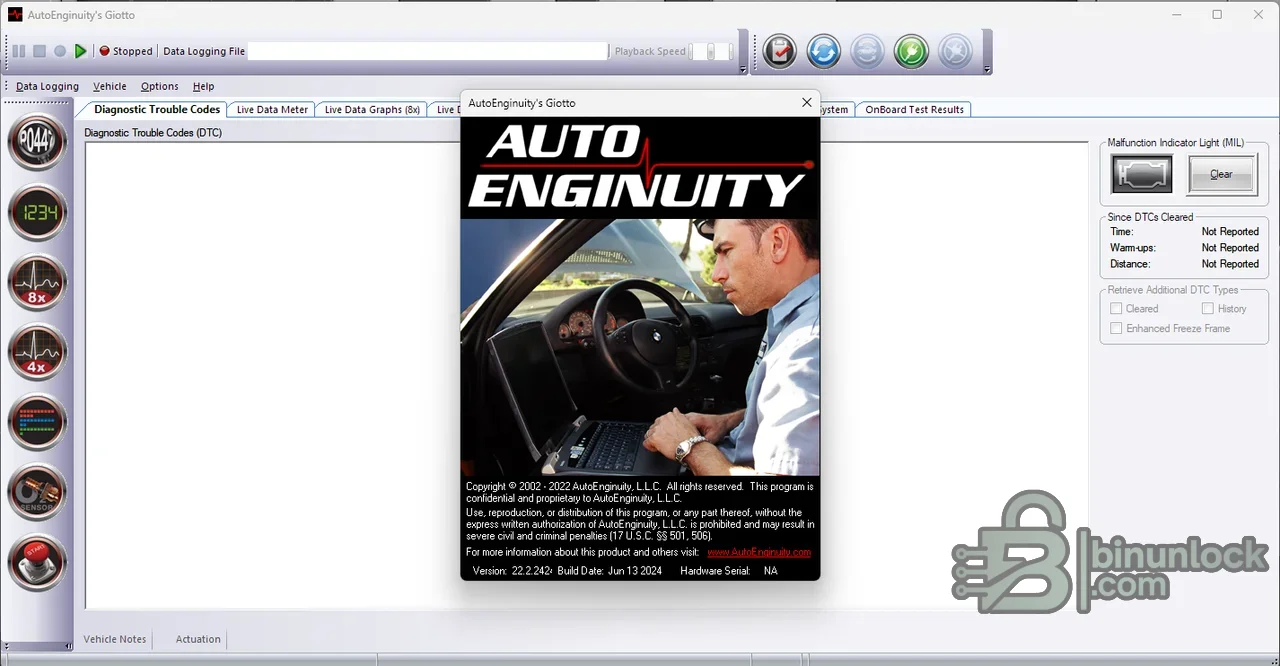
AutoEnginuity Giotto ScanTool is a Windows-based diagnostic platform for generic OBD-II testing and optional manufacturer-enhanced vehicle systems. Its workspace combines trouble codes, freeze-frame records, live data meters and graphs, onboard monitor results, data logging, reports and service functions in a single PC interface.
Generic emissions diagnostics and enhanced module access are different coverage levels. ABS, airbag, transmission, body, chassis, coding, resets and bidirectional tests depend on the connected AutoEnginuity or supported J2534 hardware, licensed enhancement, vehicle network and model year; the presence of a menu does not guarantee a function on every vehicle.
Generic emissions diagnostics and enhanced module access are different coverage levels. ABS, airbag, transmission, body, chassis, coding, resets and bidirectional tests depend on the connected AutoEnginuity or supported J2534 hardware, licensed enhancement, vehicle network and model year; the presence of a menu does not guarantee a function on every vehicle.
What this resource is for#
Use Giotto for structured diagnosis: identify the vehicle, scan available controllers, document DTC and freeze-frame evidence, evaluate live data and then run only the supported system tests needed to confirm a repair. Logged XML or CSV sessions can be reviewed away from the vehicle and attached to a workshop record.Confirmed functions#
- Read stored and pending P, U, B and C diagnostic trouble codes where coverage permits
- Read and clear freeze-frame data and the Check Engine indicator for supported emissions systems
- Display live sensor data as meters, grids and multi-trace graphs
- Show oxygen-sensor results, inspection/maintenance readiness and Mode 6 monitor data
- Log sensor data to XML or CSV and play saved sessions back offline
- Read ECM identification, calibration ID and calibration-verification information from reporting modules
- Run generic or enhanced bidirectional tests, adaptive resets and relearns when the required expansion and hardware support them
Supported ECUs, vehicles and protocols#
- Generic OBD-II diagnostics for compliant 1996-and-newer North American passenger vehicles and corresponding EOBD applications
- SAE J1850 PWM and VPW, ISO 9141-2, ISO 14230 KWP2000, and 11-bit or 29-bit CAN through compatible hardware
- Manufacturer-enhanced options can expose engine, transmission, ABS, airbag, instrument-cluster, body and chassis controllers
- The supplied release notes document extensive Domestic, Asian and European coverage changes through its release period
- J2534 use, CAN-FD, DoIP, secure gateways and newer systems require hardware and licensing that specifically support the requested network
- JDM and heavy-duty applications can have different compliance or limited generic data; verify the official coverage for the exact vehicle
Package contents#
- Main InstallShield setup executable
- Companion Giotto application executable from the supplied package
- Detailed offline release notes covering vehicle and module changes
- PDF setup/activation instructions retained as functional package documentation
- One source-specific copy instruction was excluded from the clean archive
- All executable files were inspected statically and never launched during preparation
System and interface requirements#
- Windows 7, 8, 8.1, 10 or 11
- At least 400 MB free disk space and 100 MB memory for the software itself
- One USB port with USB 2.0 support
- Compatible AutoEnginuity OBD-II, ProLine or ProLine VCI hardware, or supported J2534 hardware for applicable functions
- Correct licensed manufacturer enhancements for non-generic systems
- Stable vehicle battery voltage and an approved maintainer during long scans, calibrations or service functions
Recommended workshop workflow#
- Verify connector type, firmware, licensed enhancements and vehicle coverage before beginning
- Connect with ignition in the required state and save vehicle identification
- Perform a complete initial scan and preserve DTC, freeze-frame and readiness reports
- Review power, ground, network and battery-voltage faults before running active tests
- Graph related sensors together and compare commanded versus actual values
- Run one supported bidirectional test or relearn at a time and record the result
- Rescan after repair and keep before-and-after logs with the work order
Compatibility limits#
- The download contains software, not the physical vehicle interface or a guarantee of enhanced licenses
- Generic OBD-II coverage mainly concerns emissions-related powertrain data and does not include every vehicle module
- Enhanced coverage varies by make, model, year, controller, connector generation and subscription state
- A reset or code-clear does not repair the mechanical, electrical or network cause of a fault
- Secure-gateway access, programming and calibration functions may require current authorization or newer hardware
Troubleshooting#
- Connector not found: check DLC power and grounds, USB power, cable, driver state and whether another program owns the interface
- Only generic engine data appears: verify that the correct enhanced option is licensed and that the connector supports that manufacturer
- Module will not identify: confirm vehicle selection, network protocol, ignition state and battery voltage
- Live data drops or freezes: reduce the sensor list, check USB stability and avoid powering the laptop from a non-isolated vehicle inverter
- Active test unavailable: confirm the exact module variant and hardware support instead of assuming every model-year menu is equivalent


