
Automotive Multi-Tool combines several small workshop utilities behind one menu instead of presenting itself as a universal diagnostic platform. The included modules cover selected EDC15P binary operations, EDC17 PIN extraction, Ford V-code lookup, WinOLS demo-file extraction, an Opel Insignia file fix, distance conversion, screen capture and fuel-related calculations.
Each module has a narrow input and should be treated independently. The presence of a button does not prove support for every ECU software revision, dashboard, radio or vehicle; the file-based modules require the expected binary structure, while the calculators still depend on correct units and measured inputs.
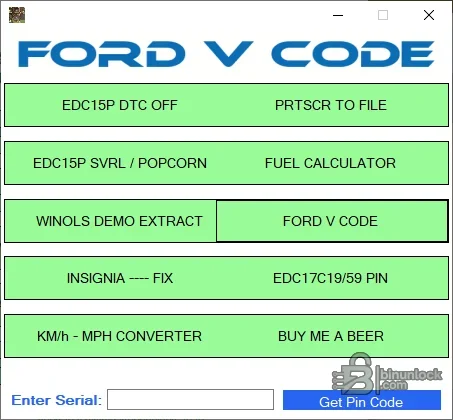
Each module has a narrow input and should be treated independently. The presence of a button does not prove support for every ECU software revision, dashboard, radio or vehicle; the file-based modules require the expected binary structure, while the calculators still depend on correct units and measured inputs.
What this resource is for#
Use this package as a bench-side collection for small repeatable tasks that would otherwise require separate utilities. It is most useful when the technician already knows which module matches the job and can validate the result with the original file or trusted workshop data.Functions included#
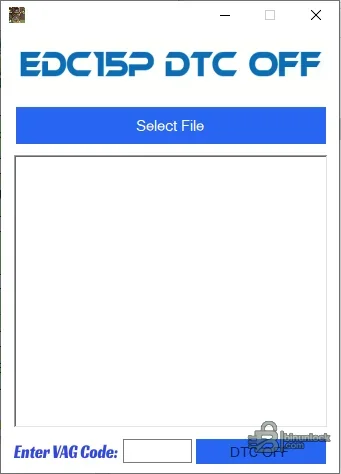
- EDC15P DTC table operation with VAG code input
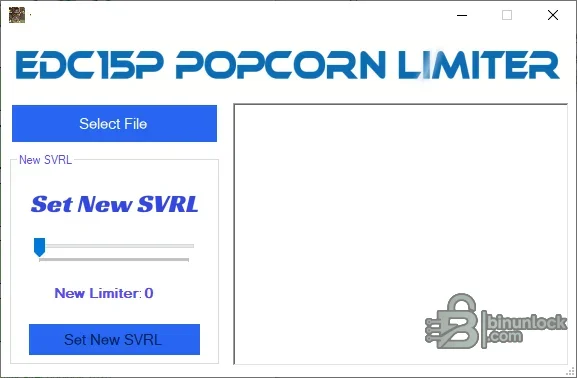
- EDC15P rev-limiter or popcorn-limiter calculation and file change
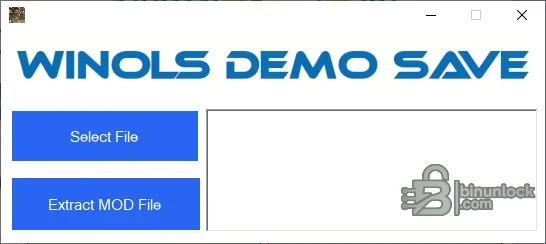
- Extraction of a mоd file from a supported WinOLS demo project
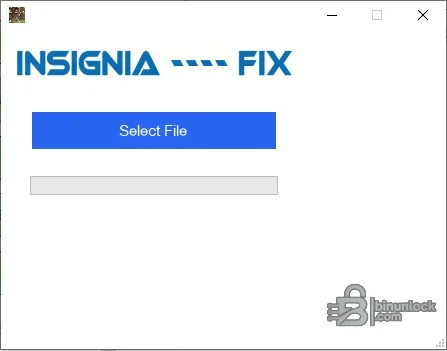
- Focused Opel Insignia binary repair function
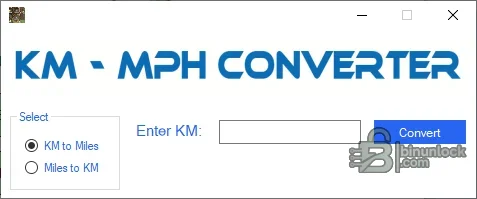
- Kilometre-to-mile and mile-to-kilometre conversion
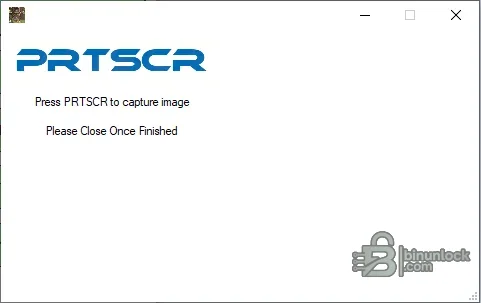
- Built-in screen capture for documenting a workflow
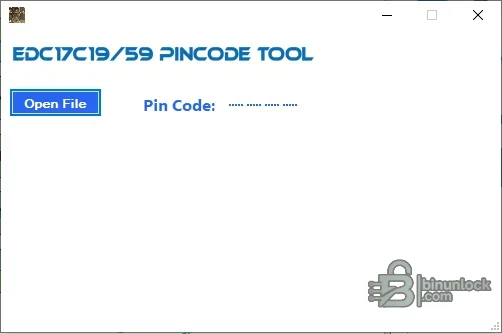
- EDC17C19 and EDC17C59 PIN extraction from a supported file
- Ford V-code lookup backed by the included database
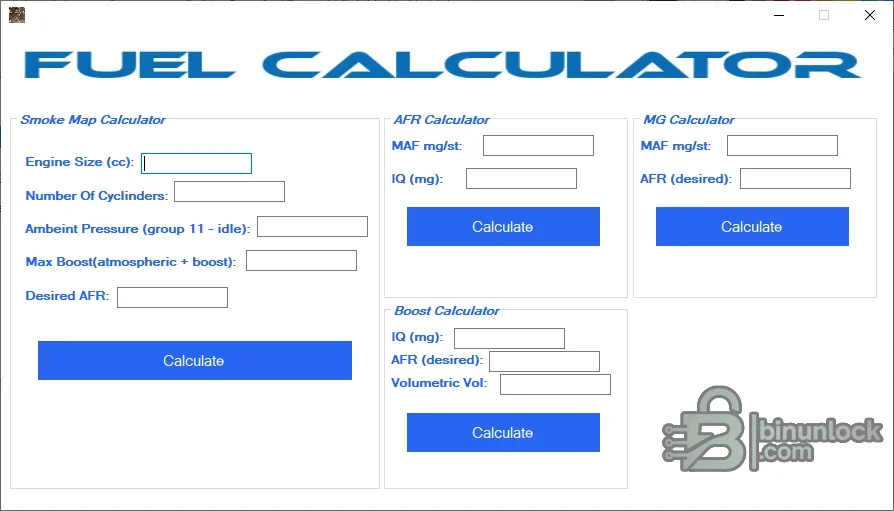
- Smoke-map, AFR, injection-quantity and boost calculations
Supported vehicles, controllers and file types#
- EDC15P file functions are limited to recognized internal layouts
- The PIN module explicitly names EDC17C19 and EDC17C59
- Ford V-code data uses the bundled database and should be checked against the radio serial and service procedure
- The Insignia function does not publish a controller or software list
- Fuel calculations require correct engine size, cylinder count, pressure, airflow, injection quantity, volumetric efficiency and target AFR units
- No OBD, J2534 or direct ECU communication is provided by the application
Package contents#
- Main multi-function Windows application
- Companion display/runtime library
- Ford V-code database retained with the executable
- Nine original screenshots documenting the menu and individual modules
- No ECU programmer, diagnostic interface, calibration database or vehicle-specific wiring
System, hardware and interface requirements#
- Windows PC or isolated VM
- Exact ECU or project file for the selected binary function
- Reliable binary comparison and checksum verification tools
- Correct engineering units and measured inputs for calculators
- Authorization for PIN, immobilizer or radio-code work
- Programmer and recovery path whenever an output will be written to a controller
Recommended workshop workflow#
- Choose the module from the main menu before loading any file
- Confirm the module name matches the ECU family or task
- Duplicate the input and operate only on the working copy
- For calculators, record every unit and source measurement before entering values
- Compare output to the original or an independently calculated result
- Do not chain several file-changing modules without validating the result after each step
- Document the selected module and final validation in the job record
Compatibility limits and responsible use#
- A file opening successfully does not prove that its software revision or internal layout is supported.
- A full read, calibration-only read, virtual read and reconstructed file are not interchangeable unless the workflow explicitly says so.
- The application does not identify unknown hardware, choose the correct programmer protocol or provide a recovery backup.
- Do not write output with unexplained size changes, unusually broad modifications or a failed checksum check.
- Immobilizer, identity, emissions and safety-related work must be authorized and lawful for the vehicle being serviced.
- The separate modules do not share a universal vehicle database or automatic ECU identification.
Troubleshooting#
- File is rejected: verify controller family, software number, byte length and whether the tool expects EEPROM, flash or calibration data.
- No change is produced: the selected signature or table may not exist in that software revision; do not force a similar profile.
- Output differs in many unrelated areas: stop, restore the original working copy and confirm the input format.
- Program will not start: keep every supplied runtime and activation component together and try an isolated compatible Windows environment.
- Module does not communicate after writing: use the prepared recovery method and restore the exact original rather than making more edits.


