
Description
Nissan DataScan II is a Windows diagnostic and ECU-adjustment suite for Nissan and Infiniti vehicles that use the Consult II / DDL2 protocol over the diagnostic K-line. It supports module identification, live data, graphs, logging, DTC work and selected active tests or adjustments where the connected control unit exposes them.
Supported vehicles, ECUs and files#
The developer places the main vehicle range roughly in the 2001–2008 period. Documented examples include 350Z Z33, Almera N16 and Tino V10, Altima L31, Frontier D40, Maxima A33/A34/J31, Micra K11/K12, Murano Z50, Note E11, Pathfinder R50, Primera P11/P12, Pulsar N16, Quest and Sentra SE-R. Supported modules can include ECM, BCM, TCM, ABS, SRS and diesel ECM, but some modules in the same car may use DDL1 or CAN and therefore remain inaccessible.- Nissan/Infiniti Consult II DDL2 modules communicating over K-line through a compatible 16-pin adapter.
- Gasoline and selected diesel ECMs plus BCM, TCM, ABS and SRS where that module uses the supported protocol.
- Vehicle-specific active tests and adjustments only when implemented by the target ECU.
Functions#
- Read control-unit information and diagnostic trouble codes.
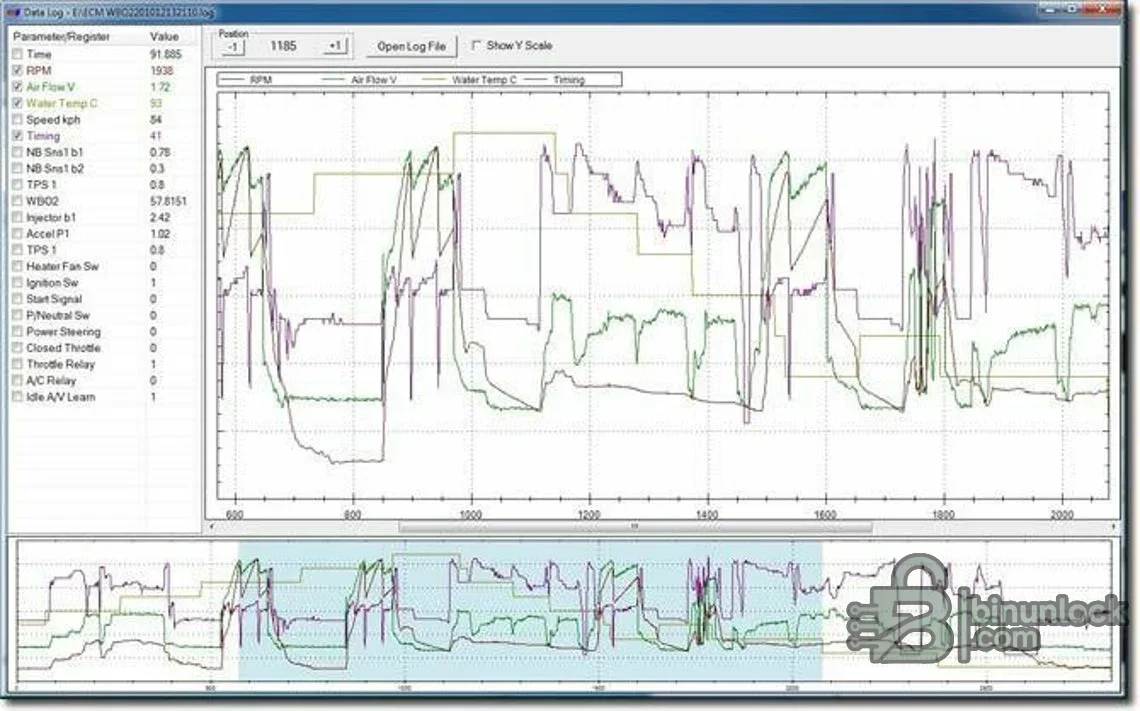
- Display engine and sensor values in lists and multi-channel graphs.
- Log data to CSV, replay a recording and analyze an earlier session.
- Run supported active tests and adjustments such as idle-related procedures when the ECU permits them.
- Use the English or Russian documentation included with the package.
System and hardware requirements#
- A Windows PC; the official software is Windows-only.
- A compatible Consult II K-line/DDL2 USB interface and a stable COM port.
- The correct CH341 or PL2303 driver when using a cable based on that chipset; both driver families are organized in the archive.
- Ignition/battery stability and the correct Nissan service procedure for any adjustment or active test.
Recommended workflow#
- Confirm the vehicle uses DDL2 on the target module rather than DDL1 or CAN.
- Install the appropriate cable driver, select the COM port and begin with ECU identification.
- Save DTCs and a baseline log before clearing memory or running adjustments.
- Perform active tests only in safe conditions and verify the final idle, throttle and fault status.


