
ProScan is a Windows diagnostic application for generic OBD-II and EOBD data through an ELM327-compatible interface. It combines fault-code access with live sensor grids, readiness-monitor status, oxygen-sensor analysis, logging and timed acceleration views in a traditional workshop desktop interface.
The package includes the application installer, activation utility, English and Russian reference documents and legacy USB-serial driver sets. It is best used on a dedicated diagnostic laptop or isolated virtual machine where older drivers can be assessed without affecting a production workstation.
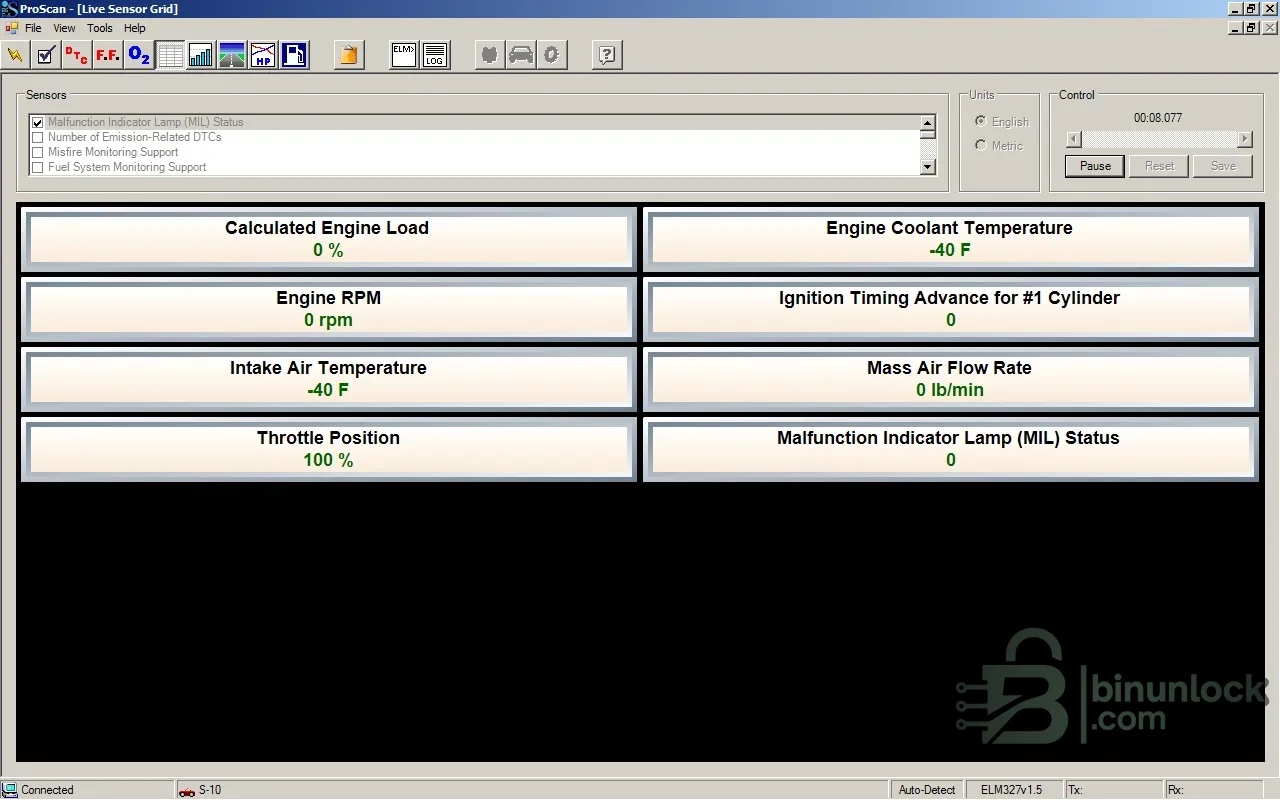
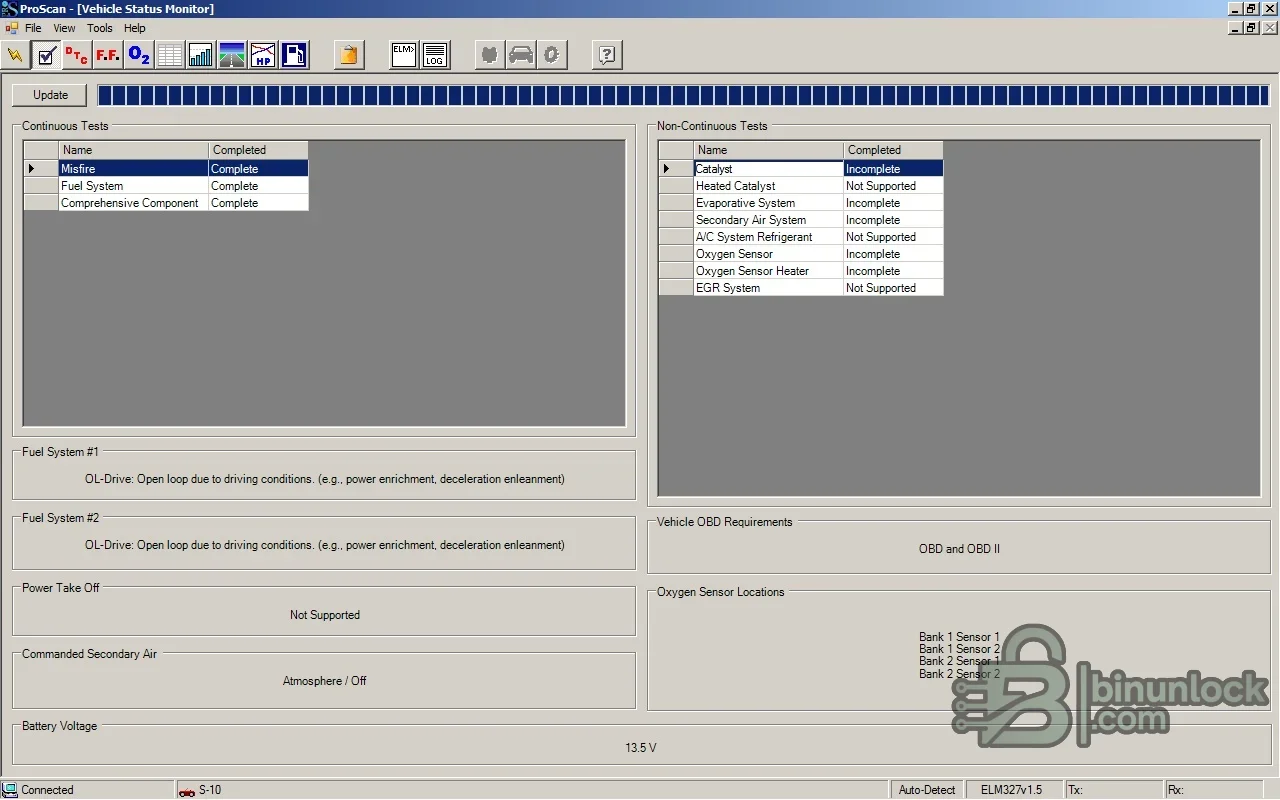
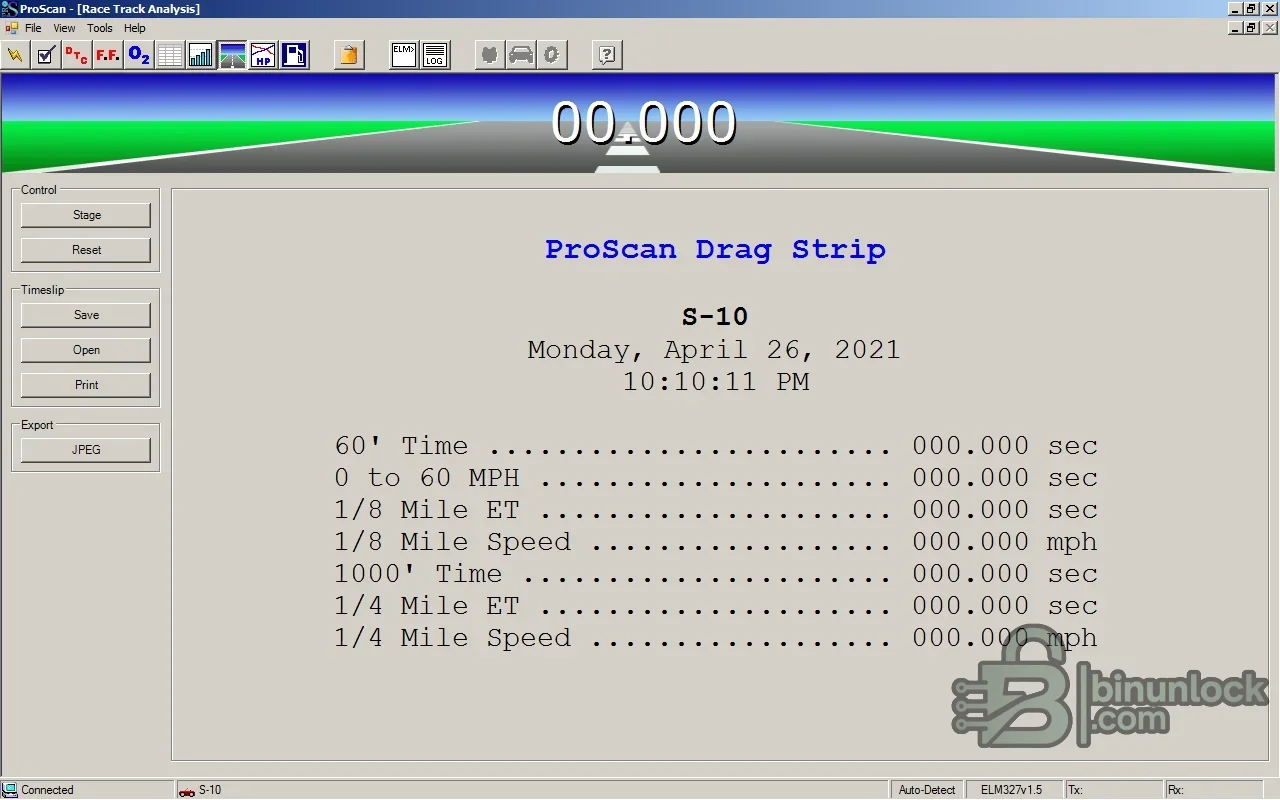
The package includes the application installer, activation utility, English and Russian reference documents and legacy USB-serial driver sets. It is best used on a dedicated diagnostic laptop or isolated virtual machine where older drivers can be assessed without affecting a production workstation.
What this resource is for#
Use ProScan for engine-emissions diagnostics on vehicles that expose standard OBD-II parameters. It can help confirm readiness status, monitor sensor behavior and capture data before and after a repair, but manufacturer-specific body, chassis and immobilizer modules are outside generic ELM327 coverage.Confirmed functions#
- Read and clear generic diagnostic trouble codes where supported
- Display live engine values such as RPM, load, temperatures, airflow, throttle and ignition timing
- Show continuous and non-continuous readiness monitors
- Graph oxygen-sensor and other parameter behavior
- Record logs and run timed acceleration or distance analysis on a safe closed course
Supported controllers, files and vehicles#
- OBD-II and EOBD compliant petrol or diesel vehicles exposing standard powertrain PIDs
- ELM327-compatible serial interfaces with the required vehicle protocol
- Protocol and PID availability vary by model year, market and ECU
- Generic access does not imply manufacturer-specific module coverage
Package contents#
- Main application installer and license helper
- English and Russian OBD-II, code and adapter documents
- Legacy CH341, FTDI and PL2303 USB-serial driver packages
- Three source screenshots included as one main image and two previews
- All installers and drivers were statically inspected and never executed
System and interface requirements#
- Windows PC; historical documentation lists very modest processor and memory requirements, but an isolated supported Windows installation is recommended today
- Genuine or reliable ELM327-compatible adapter and correct USB-serial driver
- Stable vehicle battery and ignition state
- Safe stationary test conditions for diagnostics; acceleration tools belong only on a controlled course
Recommended workshop workflow#
- Install only the driver matching the actual USB chipset and operating system architecture
- Connect the interface with ignition on and let the application detect the OBD protocol
- Read and save fault codes before clearing anything
- Select a small set of relevant live parameters to avoid an unnecessarily slow sample rate
- Compare logged values with service data and repeat the same test conditions after repair
Compatibility limits and responsible use#
- Low-quality clone adapters can disconnect, report false data or omit protocols
- Generic OBD-II cannot access every ABS, airbag, body or manufacturer-specific ECU
- Readiness status can be reset by clearing codes and may require a complete drive cycle to return
- Acceleration measurements are informational and depend on data latency and safe test conditions
Troubleshooting#
- No connection: confirm COM port, adapter chipset driver, ignition state and selected protocol
- Unstable readings: reduce the number of polled PIDs and test another verified adapter
- Missing monitor or sensor: check whether the vehicle actually exposes that standardized item
- Modern Windows may reject legacy unsigned drivers; do not disable system protections on a primary workstation


