
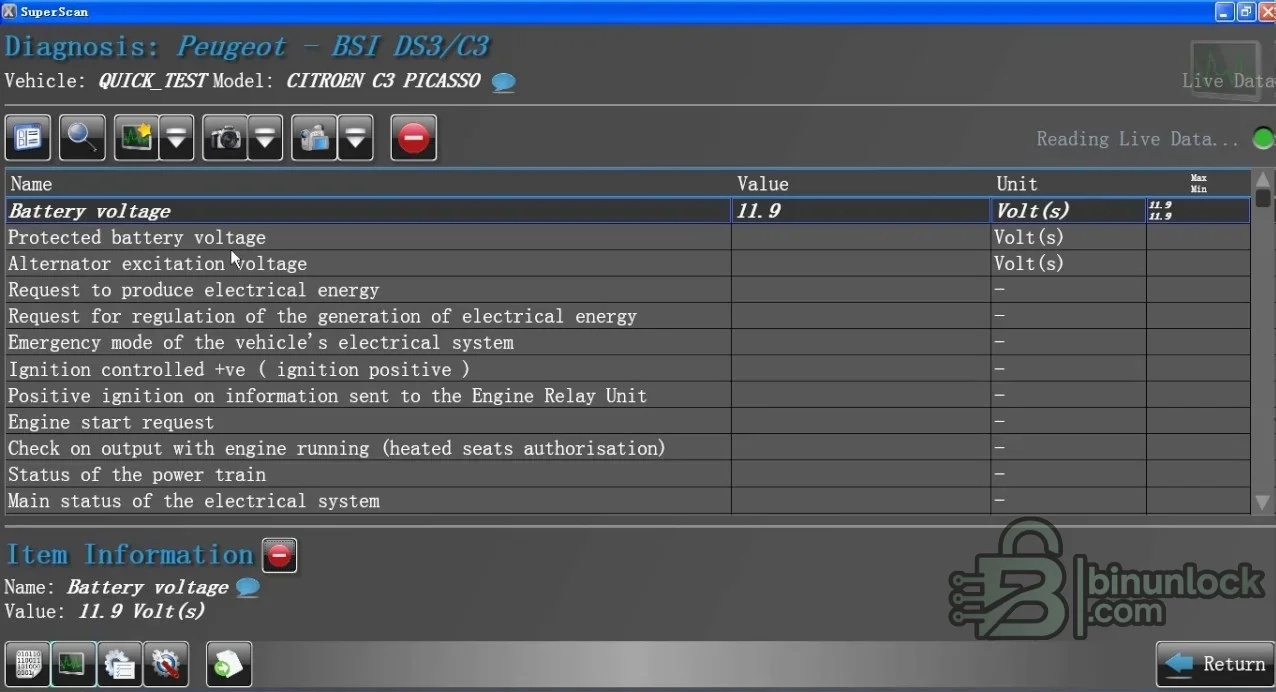
PSA SuperScan is a Windows diagnostic environment for Peugeot and Citroën vehicles that combines vehicle-wide fault discovery with control-unit identification, measured values and service-oriented configuration. The supplied interface shows a rapid vehicle test, model selection and direct access to body-system values such as supply voltage, ignition state, alternator excitation, energy management and start authorization. It is designed for workshop diagnosis through compatible hardware rather than generic file editing.
Coverage is determined by the selected vehicle profile, ECU protocol and the installed application data. Begin with identification and a complete scan; never assume that two PSA models using a similarly named module expose identical parameters or coding paths.
Coverage is determined by the selected vehicle profile, ECU protocol and the installed application data. Begin with identification and a complete scan; never assume that two PSA models using a similarly named module expose identical parameters or coding paths.
What this package is for#
Use the suite to establish which control units respond, read and document diagnostic trouble codes, inspect live data under known operating conditions and follow supported service or configuration functions. The strongest workflow is evidence-led: scan first, compare symptoms with wiring and service data, then perform only the action tied to the identified ECU.Main functions#
- Run a vehicle-wide quick test and discover responding modules
- Read and clear diagnostic trouble codes after recording the original state
- View live parameters and status flags from supported controllers
- Open model and system-specific diagnostic menus
- Manage vehicle or customer records for an organized workshop session
- Access supported configuration and service procedures
- Review power-supply, ignition and energy-management values during diagnosis
Supported vehicles, systems and control units#
- Peugeot and Citroën passenger vehicles represented in the installed database
- Body Systems Interface and related body-electronics functions where listed
- Engine, transmission, ABS or ESP, airbag, instrument, climate and comfort controllers where the selected profile exposes them
- The supplied preview demonstrates Citroën C3 and DS3 family selection and a BSI session
- Coverage must be confirmed in the application for the exact model year, VIN context and ECU software
- No universal Renault compatibility is claimed from a source-folder label alone
Package contents#
- SuperScan Manager installer identified statically as a DEC Automotive application
- Main diagnostic and live-data screenshot
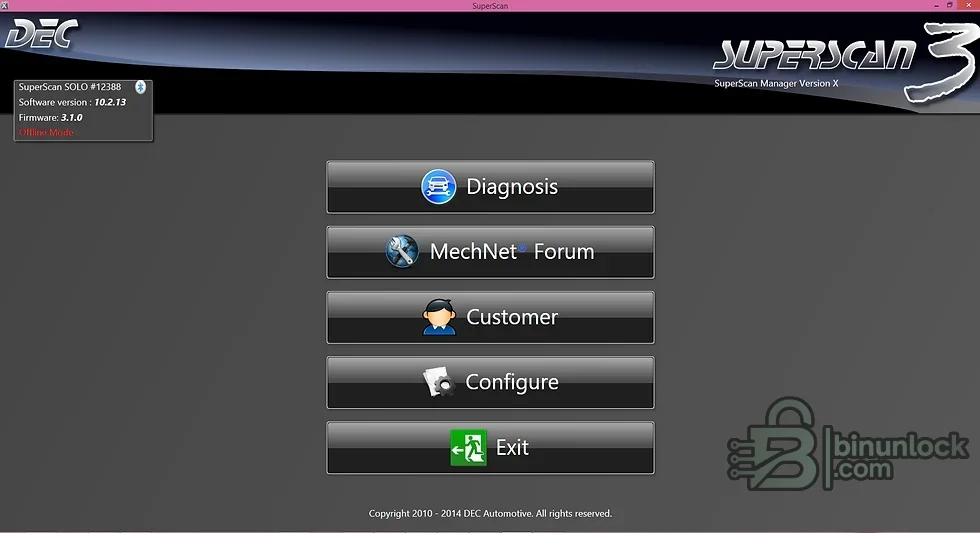
- Additional application-menu screenshot at the bottom of this page
- No customer records, vehicle scans or proprietary ECU files
- The nonfunctional source note is excluded from the clean package
PC, interface and workshop requirements#
- A dedicated Windows workshop computer with local administrator rights for installation and drivers
- Stable battery support appropriate to the vehicle whenever a live diagnostic session is used
- The correct communication interface, cable and driver for the target system
- Reliable controller identification from the label and a complete pre-work diagnostic scan
- Enough free storage for the extracted package, logs and immutable backups
- A PSA-compatible communication interface supported by this software release
- Correct USB or serial driver and a stable, non-virtualized connection where possible
Recommended workflow#
- Record the exact vehicle, model year, controller identity, software number and current symptoms
- Install or extract the package offline and confirm that the required interface driver is present
- Connect stable power and perform identification or a complete scan before any write-capable action
- Save the original report or memory file and make a separate working copy
- Apply only the function documented for the recognized vehicle and controller
- Cycle power only when the service procedure instructs it, then rescan and verify the repair
Important limitations#
- A menu entry or brand name is not proof of support for every model year, market or controller revision
- This package does not replace current OEM service information, wiring diagrams or security authorization
- Do not attempt configuration, key, immobilizer or programming work on an unidentified module
- Never use the only original EEPROM, flash, configuration or diagnostic capture as the working file
- Configuration menus can have immediate vehicle-wide effects; record the original setting set before changing a value
Troubleshooting checklist#
- No connection: check ignition state, battery voltage, interface driver, selected protocol and connector pins
- Module not listed: verify model year, platform, controller family and software coverage before continuing
- Implausible values: compare units and conditions with live data from an approved diagnostic platform
- Write or configuration rejected: stop, preserve logs and confirm authorization, session state and power support
- Application will not start: use a clean supported Windows environment and install only documented prerequisites


