
The Scania SOPS Editor Suite is an offline collection for converting supported SOPS vehicle-configuration files to editable XML, reviewing parameters in a text or structured editor and rebuilding a SOPS file after a controlled change. It is intended for experienced commercial-vehicle technicians who already understand where the original configuration came from and how it will be validated.
Scania documents the SOPS file as product-configuration data exchanged through SDP3 and its central systems. This package does not replace SDP3, a Scania VCI, a valid licence or the official check-and-adjust process. It works on local files; obtaining and applying those files remains a separate authorized workshop procedure.
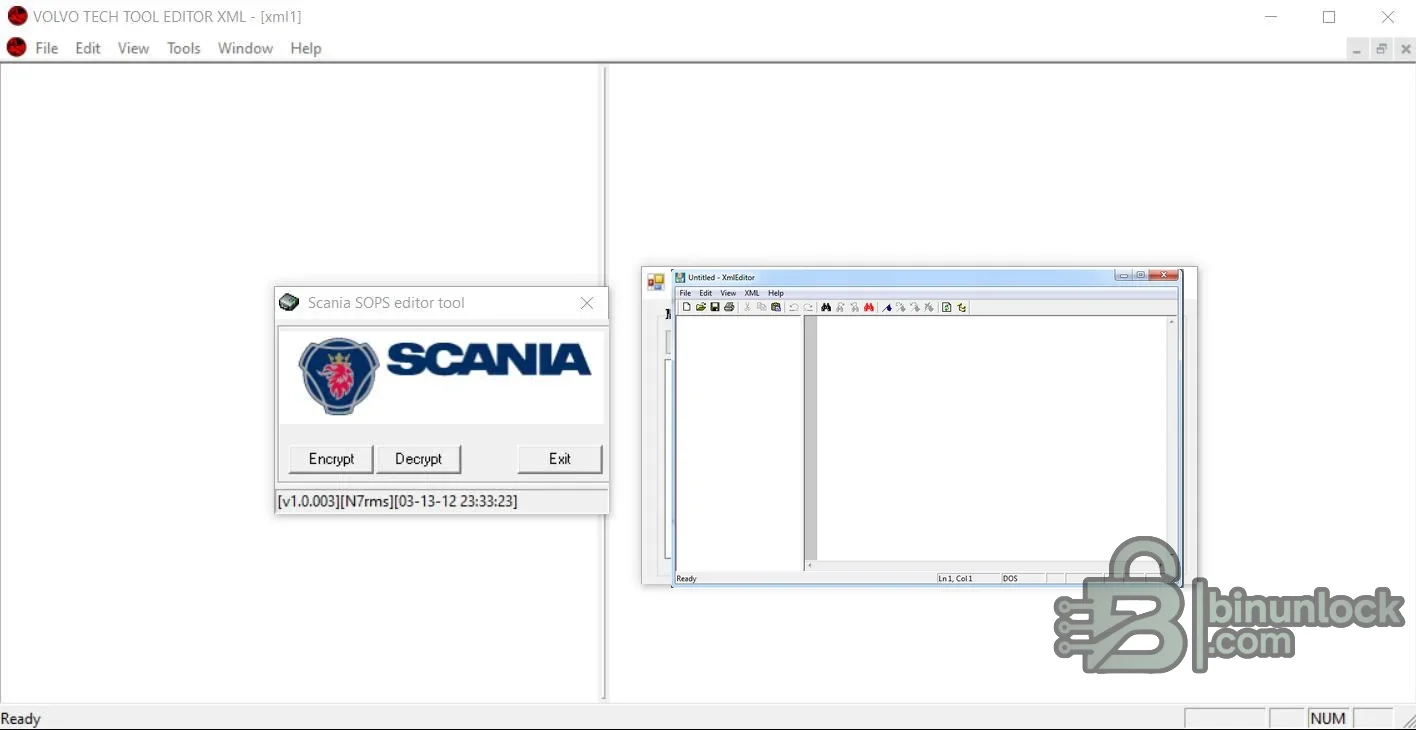
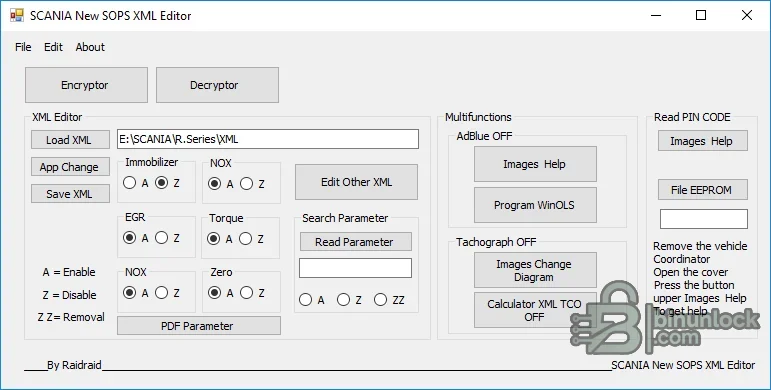
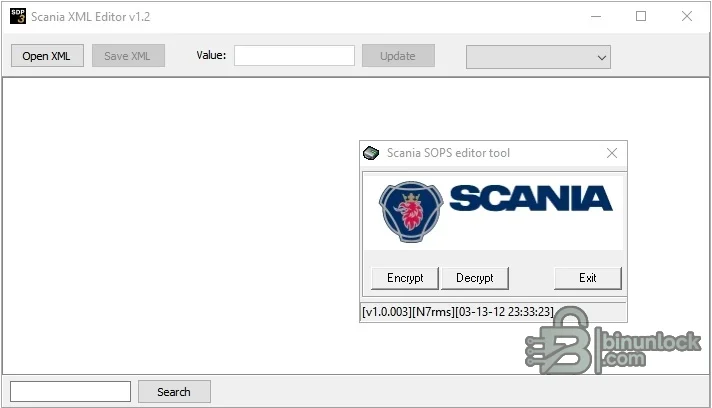
Scania documents the SOPS file as product-configuration data exchanged through SDP3 and its central systems. This package does not replace SDP3, a Scania VCI, a valid licence or the official check-and-adjust process. It works on local files; obtaining and applying those files remains a separate authorized workshop procedure.
What this resource is for#
Use the suite to inspect a saved SOPS file, compare XML representations and document a narrowly scoped configuration repair. It is most useful when the original SOPS, the current Scania server identity and an independent backup are all available, allowing the technician to prove what changed before any file is returned to the product.Confirmed functions#
- Decrypt a supported SOPS container into XML for inspection
- Open, search and edit XML with bundled structured and text editors
- Encrypt a validated XML file back into a SOPS container
- Compare parameter states before and after a controlled change
- Use supplied language resources and illustrated help material
- Follow included video guidance for the packaged utilities
- Keep official SDP3 export and upload operations separate from offline editing
Supported vehicles, controllers and files#
- Scania trucks, buses and industrial products only when the SOPS format is recognized by the included utility
- Official Scania documentation describes saving a SOPS file locally through SDP3 and uploading it through Conversion Workshop
- SDP3 supports Scania truck and bus generations from the 3-series through the 6-series, but that does not make every SOPS revision compatible with this editor
- SOPS structure and parameter meaning vary with product generation and server data
- Vehicle-specific sample SOPS and edited XML files were excluded from the publication package
Package contents#
- SOPS encryptor/decryptor utilities
- Several XML editors, including bundled PSPad and firstobject-based components
- Language, icon and runtime files required by the tools
- Two instructional video files and supporting PDF/help material
- Activation components retained as supplied and audited statically
- All vehicle-specific sample SOPS/XML files and shortcut artifacts removed from the clean package
System, hardware and interface requirements#
- Windows workstation isolated from routine browsing and email
- Official SDP3/SWS workflow and a compatible Scania VCI for reading or applying product configuration
- Valid Scania licence and authorization for the target vehicle
- An untouched original SOPS file plus server-side or diagnostic-session records
- XML comparison tool, stable power and an established recovery route
Recommended workshop workflow#
- Use SDP3 to identify the product and save the original SOPS through the documented process
- Hash the original and store it read-only before conversion
- Decrypt a copy and compare parameter names and values against service information
- Change only a confirmed parameter and preserve a human-readable diff
- Re-encrypt the edited copy and verify it decrypts back to the expected XML
- Apply only through the authorized Scania workflow, then run check-and-adjust and a complete fault scan
Compatibility limits and responsible use#
- The editor does not confirm that a parameter is lawful, safe or supported on the connected product
- A syntactically valid XML file can still contain an invalid vehicle configuration
- Editing immobilizer, emissions, torque or tachograph data may be restricted or prohibited
- Do not substitute one vehicle’s SOPS file for another
- Server synchronization can reject or overwrite local changes when product identity is inconsistent
Troubleshooting#
- Decrypt fails: confirm that the input is a complete SOPS file from a supported generation
- XML opens but values are missing: compare encodings and use the matching editor branch
- Re-encrypted file differs unexpectedly: round-trip a clean original before making any edits
- SDP3 rejects the result: restore the original and verify product identity, SOPS revision and server synchronization
- Vehicle configuration is inconsistent: stop, retain logs and use official Scania recovery rather than trying more edits


