
Description
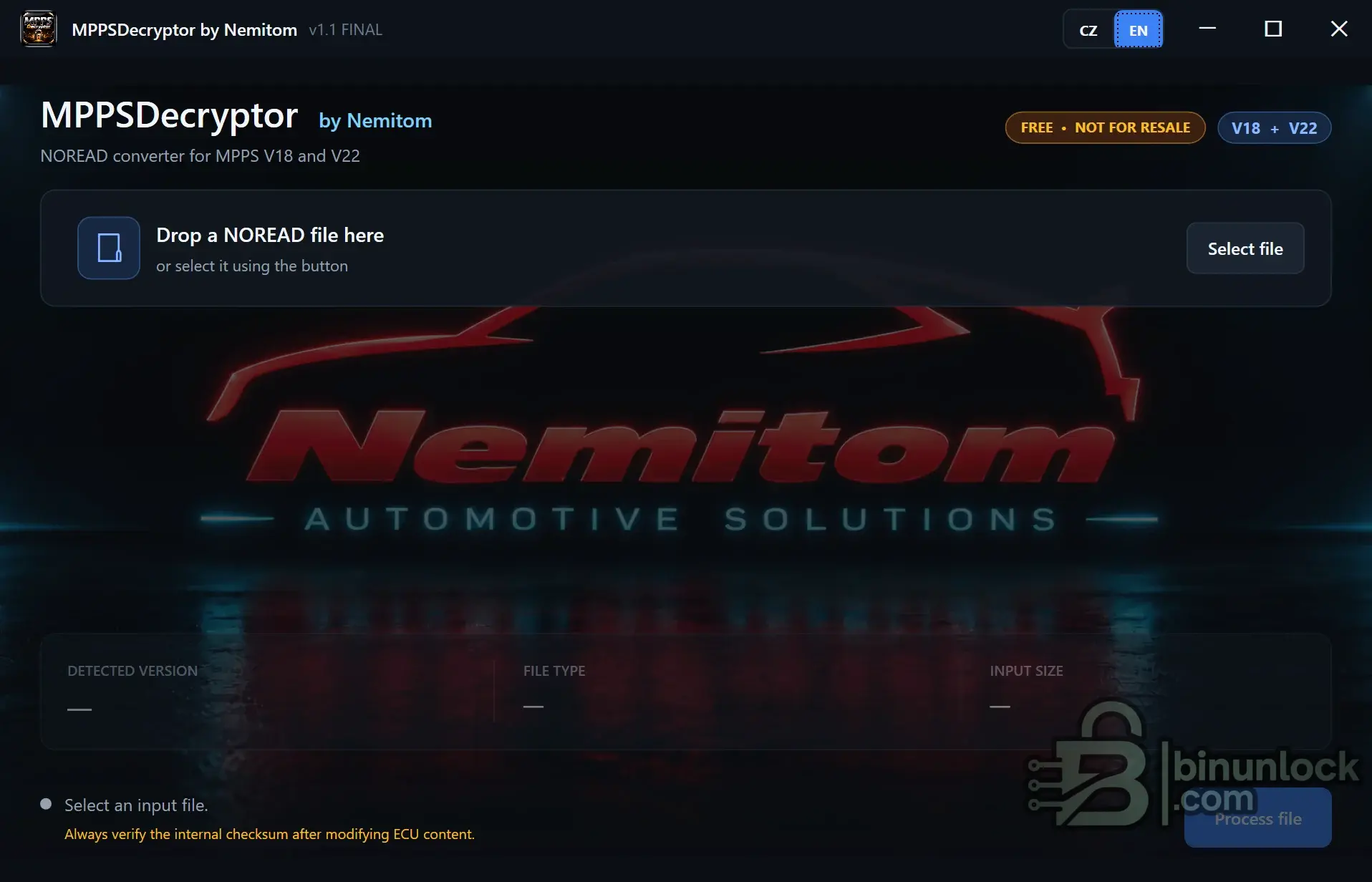
MPPSDecryptor is a Windows utility for processing NOREAD files created by MPPS V18 and MPPS V22.
When MPPS encounters ECU data marked with the NOREAD flag, it can still perform the read operation, but the resulting file may be saved in an encoded / protected form instead of as directly readable ECU content.
MPPSDecryptor converts supported NOREAD output files into a readable format for further analysis or authorized ECU calibration work.
Supported MPPS Versions
Main Features
How It Works
The application is designed for files produced by MPPS when a NOREAD tag is present.
Typical workflow:
Important
MPPSDecryptor is a file conversion utility. It does not communicate directly with the ECU and does not replace MPPS or another ECU programming interface.
Always verify the resulting ECU file before making any calibration changes.
Checksum Warning
The application itself displays the warning:
After editing a converted file, verify and correct the required checksum using an appropriate ECU calibration or checksum tool before programming the file back to the control unit.
Supported Use
Use this utility only with ECU files that you own or are authorized to process.
It should not be used to bypass third-party ownership, licensing or access restrictions on files you are not entitled to modify.
When MPPS encounters ECU data marked with the NOREAD flag, it can still perform the read operation, but the resulting file may be saved in an encoded / protected form instead of as directly readable ECU content.
MPPSDecryptor converts supported NOREAD output files into a readable format for further analysis or authorized ECU calibration work.
Supported MPPS Versions
- MPPS V18
- MPPS V22
Main Features
- NOREAD file conversion for supported MPPS V18 and V22 files.
- Automatic version detection when a supported file is loaded.
- File type detection before processing.
- Input size display for quick verification.
- Drag & Drop support — drop the NOREAD file directly into the application.
- Manual file selection through the Select File button.
- Simple one-click processing after a valid input file is detected.
- English and Czech interface.
- Standalone Windows utility.
How It Works
The application is designed for files produced by MPPS when a NOREAD tag is present.
Typical workflow:
- Read the ECU using MPPS V18 or V22.
- If the source contains a NOREAD flag, MPPS may save the result in an encoded form.
- Open MPPSDecryptor.
- Drag the MPPS NOREAD file into the window or click Select file.
- Check the detected MPPS version, file type and input size.
- Click Process file.
- Save the converted readable output file.
Important
MPPSDecryptor is a file conversion utility. It does not communicate directly with the ECU and does not replace MPPS or another ECU programming interface.
Always verify the resulting ECU file before making any calibration changes.
Checksum Warning
The application itself displays the warning:
Code:
Always verify the internal checksum after modifying ECU content.After editing a converted file, verify and correct the required checksum using an appropriate ECU calibration or checksum tool before programming the file back to the control unit.
Supported Use
Use this utility only with ECU files that you own or are authorized to process.
It should not be used to bypass third-party ownership, licensing or access restrictions on files you are not entitled to modify.


