
Description
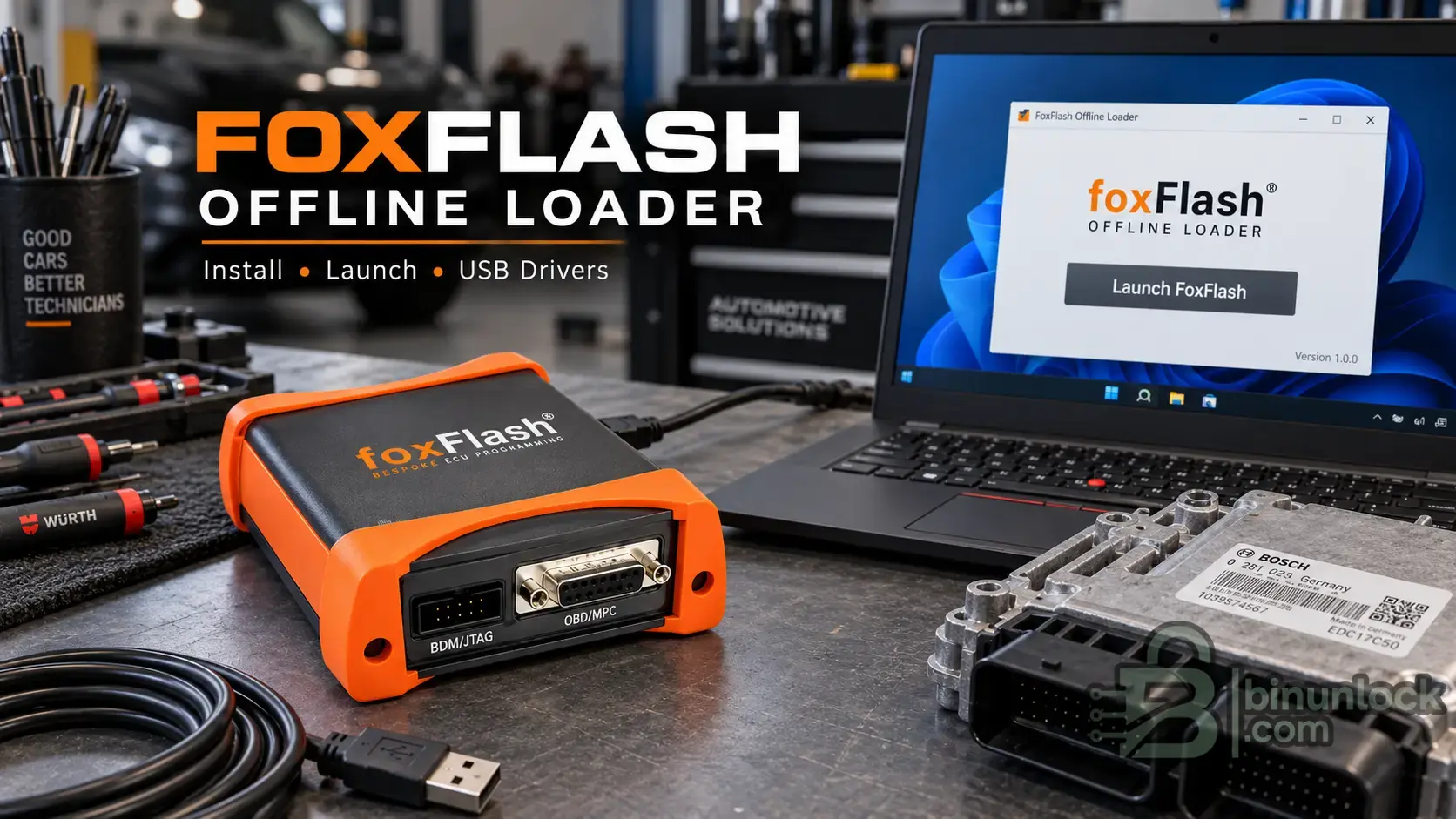
FoxFlash Offline Loader is an installation and launcher package for FoxFlash ECU and TCU programming software, designed to provide a local installation and simplified offline startup.
The package includes the FoxFlash application, Virtual Read resources, programming protocol data, supporting files and USB drivers.
Unlike the standard FoxFlash Manager workflow, this loader provides a dedicated installation and launch interface for the locally installed software.
What is FoxFlash used for?
FoxFlash is an automotive ECU/TCU programming platform used by technicians, ECU repair specialists and calibration professionals for reading, writing, backing up and recovering supported control units.
Depending on the connected FoxFlash hardware, ECU type and available protocols, the software supports operations such as:
These are capabilities of the FoxFlash programming platform. Available functions depend on the ECU, connected hardware, installed software and included protocol data.
Offline Loader & Virtual Read
The FoxFlash Offline Loader package is designed for local installation and startup without downloading additional software files during setup.
The installer advertises approximately 9.6 GB of FoxFlash Offline + Virtual Read content.
Package features:
Virtual Read is useful for ECU programming workflows that rely on compatible software files rather than reading every required byte directly from the control unit.
The availability of individual Virtual Read files and complete offline functionality depends on the data included in this particular distribution. Not every FoxFlash protocol or operation is necessarily available without online services.
Installation Instructions
1. Extract the complete archive
Download all package components and extract the main archive completely.
Keep the installer and all accompanying .partXX.zip files together in the same folder.
The installer indicates that it requires six accompanying data files.
Do not extract these individual part archives separately.
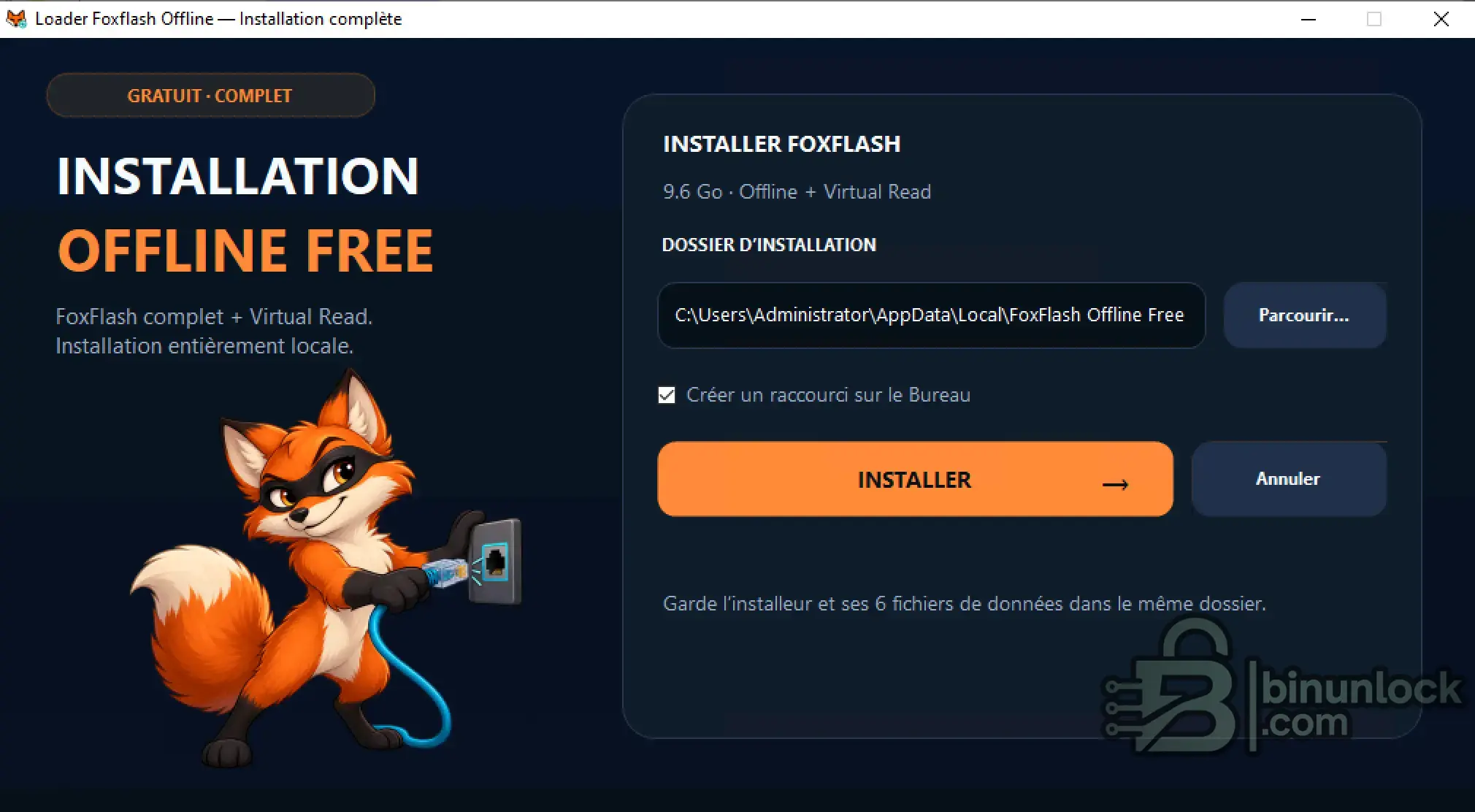
2. Install FoxFlash Offline Loader
Run the installation executable:
Choose the installation directory and click Install.
The installer provides an option to create a desktop shortcut for FoxFlash Offline Loader.
Wait until the installation is complete. The loader should open after setup.
3. Connect and launch FoxFlash
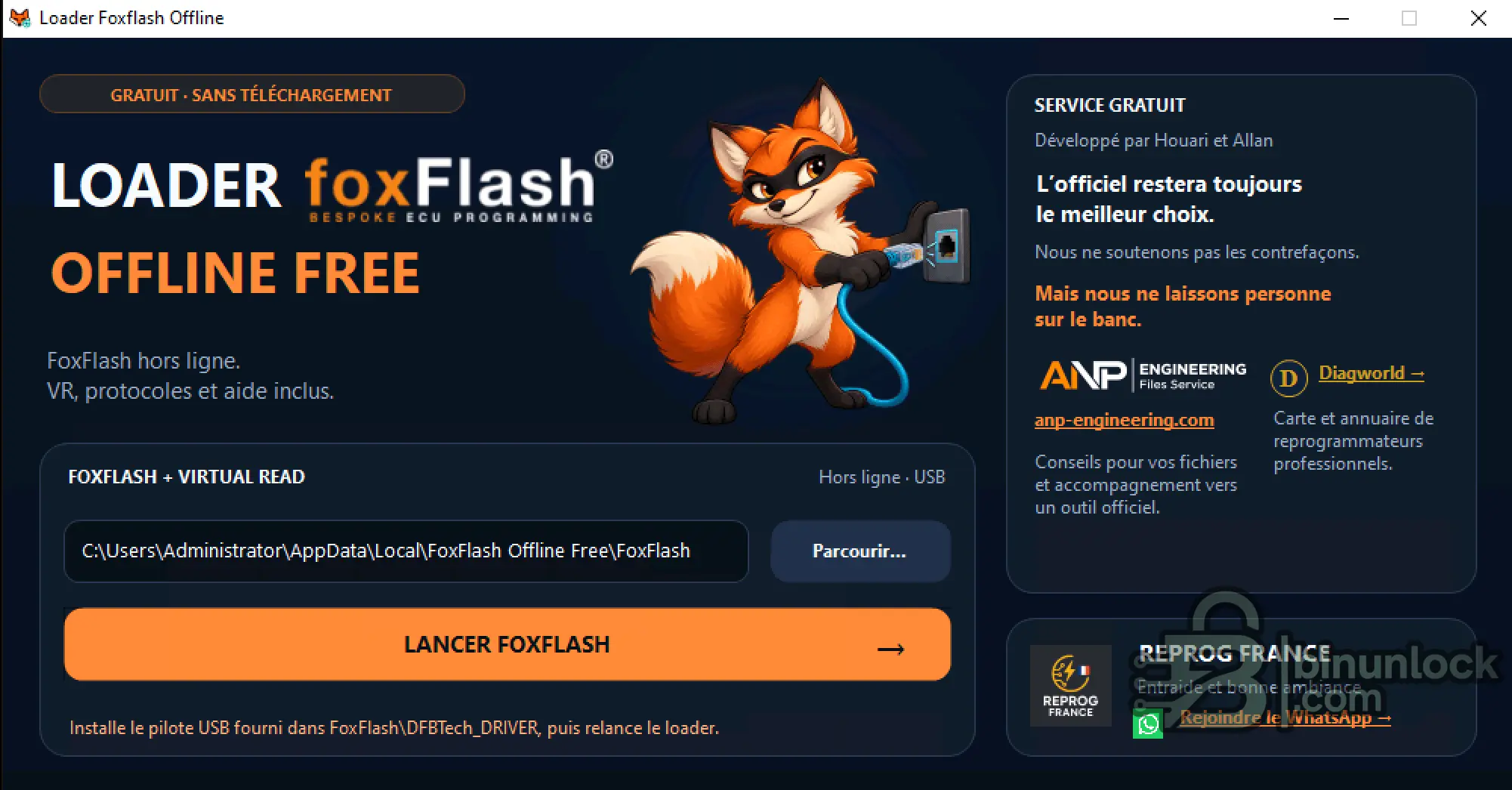
Connect the compatible FoxFlash programming box using the appropriate USB cable and power supply.
Open FoxFlash Offline Loader and click Launch FoxFlash to start the installed application.
If Windows does not recognize the programming interface, install the supplied USB drivers located in:
After installing the driver, reconnect the FoxFlash interface and restart the loader if necessary.
Typical Applications
The package is intended for automotive workshops and ECU programming specialists working with compatible FoxFlash hardware.
Typical applications include:
Important Information
About This Release
This is a separately distributed community offline loader package, not the standard official FoxFlash Manager installation.
Always verify the source and integrity of the supplied executable files before installation.
The package includes the FoxFlash application, Virtual Read resources, programming protocol data, supporting files and USB drivers.
Unlike the standard FoxFlash Manager workflow, this loader provides a dedicated installation and launch interface for the locally installed software.
What is FoxFlash used for?
FoxFlash is an automotive ECU/TCU programming platform used by technicians, ECU repair specialists and calibration professionals for reading, writing, backing up and recovering supported control units.
Depending on the connected FoxFlash hardware, ECU type and available protocols, the software supports operations such as:
- ECU and TCU identification — identify supported engine and transmission control units.
- Flash and EEPROM programming — read and write supported memory areas.
- OBD programming — perform supported operations through the vehicle diagnostic connector.
- Bench mode — access compatible ECUs outside the vehicle or through direct connections.
- Boot mode — perform low-level programming on supported control units.
- ECU backup and recovery — save original data and restore compatible backups.
- Virtual Read — use available virtual-read resources for supported ECU applications.
These are capabilities of the FoxFlash programming platform. Available functions depend on the ECU, connected hardware, installed software and included protocol data.
Offline Loader & Virtual Read
The FoxFlash Offline Loader package is designed for local installation and startup without downloading additional software files during setup.
The installer advertises approximately 9.6 GB of FoxFlash Offline + Virtual Read content.
Package features:
- Dedicated FoxFlash Offline Loader.
- Local installation of the FoxFlash software package.
- Virtual Read resources included.
- Programming protocol data and supporting files.
- USB drivers for the FoxFlash programming interface.
- Desktop shortcut creation.
- Simple launcher with direct access to FoxFlash.
Virtual Read is useful for ECU programming workflows that rely on compatible software files rather than reading every required byte directly from the control unit.
The availability of individual Virtual Read files and complete offline functionality depends on the data included in this particular distribution. Not every FoxFlash protocol or operation is necessarily available without online services.
Installation Instructions
1. Extract the complete archive
Download all package components and extract the main archive completely.
Keep the installer and all accompanying .partXX.zip files together in the same folder.
The installer indicates that it requires six accompanying data files.
Do not extract these individual part archives separately.
2. Install FoxFlash Offline Loader
Run the installation executable:
Code:
Install-Loader-Foxflash-Offline.exeChoose the installation directory and click Install.
The installer provides an option to create a desktop shortcut for FoxFlash Offline Loader.
Wait until the installation is complete. The loader should open after setup.
3. Connect and launch FoxFlash
Connect the compatible FoxFlash programming box using the appropriate USB cable and power supply.
Open FoxFlash Offline Loader and click Launch FoxFlash to start the installed application.
If Windows does not recognize the programming interface, install the supplied USB drivers located in:
Code:
FoxFlash\DFBTech_DRIVERAfter installing the driver, reconnect the FoxFlash interface and restart the loader if necessary.
Typical Applications
The package is intended for automotive workshops and ECU programming specialists working with compatible FoxFlash hardware.
Typical applications include:
- ECU and TCU software programming.
- Engine ECU calibration reading and writing.
- Transmission control unit programming.
- Flash and EEPROM backup operations.
- Supported OBD, Bench and Boot programming procedures.
- ECU data restoration and repair workflows.
- Access to available Virtual Read resources.
Important Information
- Compatible FoxFlash hardware is required. The loader does not replace the physical programming interface.
- Keep all archive parts together during installation.
- Install the appropriate DFBTech USB driver if the interface is not detected.
- Use a stable ECU and programmer power supply during programming.
- Do not disconnect the interface during active read/write operations.
- Supported ECU/TCU protocols depend on the installed software and available files.
- Verify the availability of any server-dependent functions before relying on completely offline operation.
About This Release
This is a separately distributed community offline loader package, not the standard official FoxFlash Manager installation.
Always verify the source and integrity of the supplied executable files before installation.


