
Description
Renault DDT2000 and DDT4All is a diagnostic software collection for working with electronic control units in supported Renault and Dacia vehicles. It combines DDT2000 installation files, several DDT4All packages and a separate DDT database for fault diagnosis, live parameter monitoring and ECU configuration.
These tools use ECU-specific definitions to display diagnostic screens, interpret control-unit data and access supported settings. Available functions depend on the selected ECU, the loaded database and the diagnostic interface.
What can you use it for?
DDT2000 and DDT4All — what is the difference?
DDT2000 is the diagnostic environment associated with the DDT ECU database format. It uses database definitions to provide access to control-unit parameters, diagnostic requests and configuration screens.
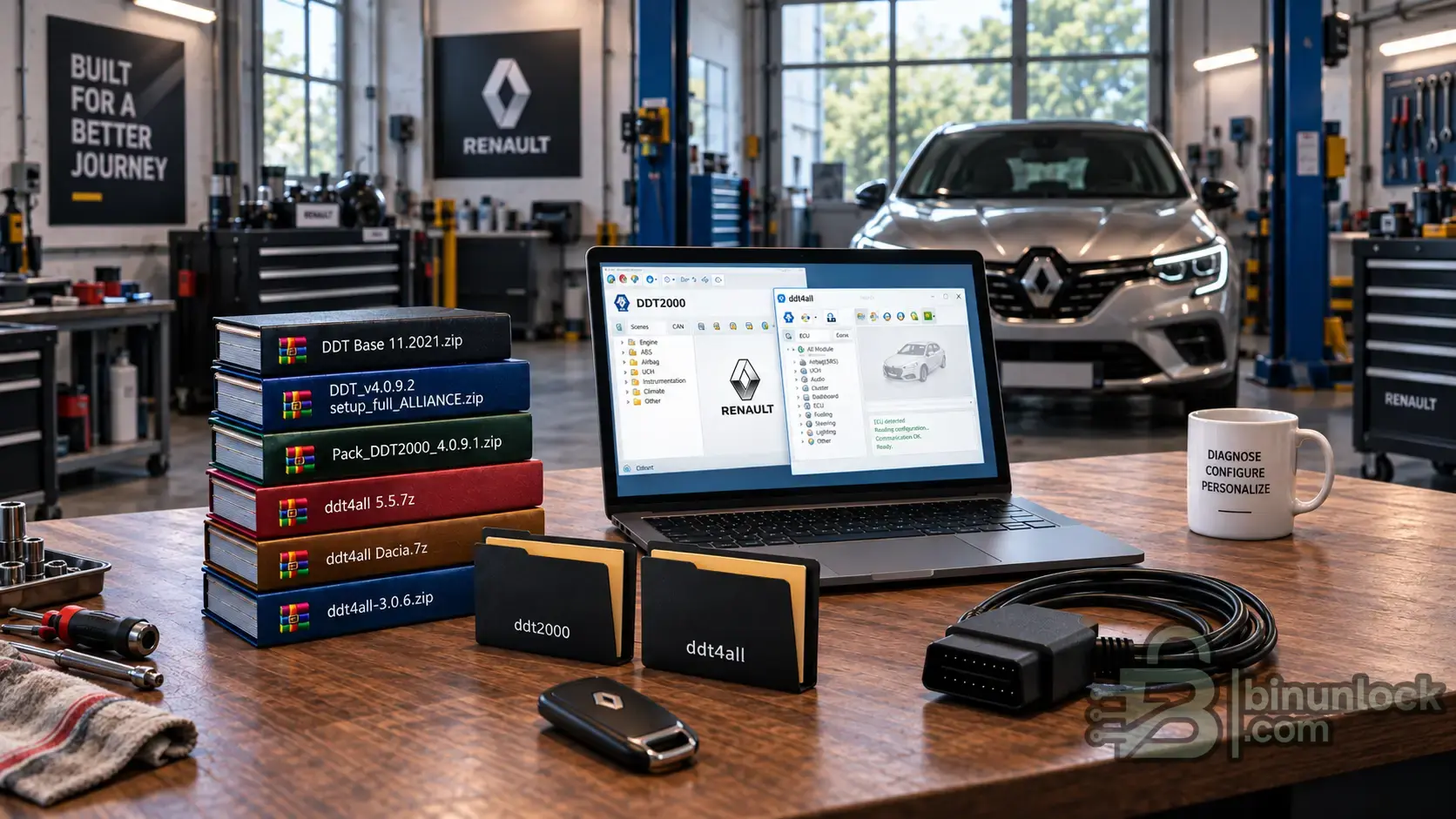
The DDT2000 folder contains DDT_v4.0.9.2_setup_full_ALLIANCE.zip, the separate Pack_DDT2000_4.0.9.1.zip archive and How to install.txt. The full setup and the additional pack are separate components; check the installation instructions before applying them.
DDT4All is a separate open-source application that can work with DDT2000 ECU definitions. It provides its own diagnostic interface and supports compatible OBD adapters, including ELM327 and OBDLink SX. It is an alternative way to access DDT-based diagnostic data, not an update that installs over DDT2000.
DDT4All packages included
DDT4All 3.0.6
The official 3.0.6 release notes list fixes to interface themes and serial communication, updates to the vehicle list and addressing data, and work on ELS27 V5 support. The supplied archive is named ddt4all-3.0.6.zip.
DDT4All 5.5
An additional package supplied under the 5.5 label. This numbering should not be compared directly with the official 3.x release line: a higher package number does not necessarily mean newer software or wider vehicle coverage.
DDT4All Dacia
A separately labelled Dacia package. DDT4All can already work with Dacia ECU definitions; actual coverage depends on the loaded database rather than the package name. The exact differences in this package require checking its contents.
DDT Base 11.2021 — what is it for?
The collection includes DDT Base 11.2021.zip as a separate database archive. DDT databases describe ECU parameters, diagnostic requests and screens used by compatible applications.
The application version and database date are different things. Updating DDT4All does not automatically update its ECU definitions. Likewise, the November 2021 database label does not guarantee compatibility with every Renault or Dacia model from that period.
Compatibility and precautions
Use a diagnostic interface supported by the selected application and an ECU definition matching the actual control unit. DDT4All adapter support should not be assumed to apply to DDT2000.
Record the original configuration before making changes. Use Expert Mode and write functions only when you understand the selected parameters; incorrect commands or configuration changes can disrupt vehicle operation.
These tools use ECU-specific definitions to display diagnostic screens, interpret control-unit data and access supported settings. Available functions depend on the selected ECU, the loaded database and the diagnostic interface.
What can you use it for?
- Fault diagnosis: read and clear diagnostic trouble codes on supported control units.
- Live data: monitor parameters and operating states to investigate faults and check system behaviour.
- ECU identification: scan for supported modules and select the appropriate diagnostic definition.
- Configuration: inspect and change supported ECU settings where the selected definition provides the necessary functions.
- Advanced work in DDT4All: create or modify parameter screens, send diagnostic requests and record data for analysis.
DDT2000 and DDT4All — what is the difference?
DDT2000 is the diagnostic environment associated with the DDT ECU database format. It uses database definitions to provide access to control-unit parameters, diagnostic requests and configuration screens.
The DDT2000 folder contains DDT_v4.0.9.2_setup_full_ALLIANCE.zip, the separate Pack_DDT2000_4.0.9.1.zip archive and How to install.txt. The full setup and the additional pack are separate components; check the installation instructions before applying them.
DDT4All is a separate open-source application that can work with DDT2000 ECU definitions. It provides its own diagnostic interface and supports compatible OBD adapters, including ELM327 and OBDLink SX. It is an alternative way to access DDT-based diagnostic data, not an update that installs over DDT2000.
DDT4All packages included
DDT4All 3.0.6
The official 3.0.6 release notes list fixes to interface themes and serial communication, updates to the vehicle list and addressing data, and work on ELS27 V5 support. The supplied archive is named ddt4all-3.0.6.zip.
DDT4All 5.5
An additional package supplied under the 5.5 label. This numbering should not be compared directly with the official 3.x release line: a higher package number does not necessarily mean newer software or wider vehicle coverage.
DDT4All Dacia
A separately labelled Dacia package. DDT4All can already work with Dacia ECU definitions; actual coverage depends on the loaded database rather than the package name. The exact differences in this package require checking its contents.
DDT Base 11.2021 — what is it for?
The collection includes DDT Base 11.2021.zip as a separate database archive. DDT databases describe ECU parameters, diagnostic requests and screens used by compatible applications.
The application version and database date are different things. Updating DDT4All does not automatically update its ECU definitions. Likewise, the November 2021 database label does not guarantee compatibility with every Renault or Dacia model from that period.
Compatibility and precautions
Use a diagnostic interface supported by the selected application and an ECU definition matching the actual control unit. DDT4All adapter support should not be assumed to apply to DDT2000.
Record the original configuration before making changes. Use Expert Mode and write functions only when you understand the selected parameters; incorrect commands or configuration changes can disrupt vehicle operation.


